
A 12ft x 8ft spatial reality that eliminates the claustrophobia of standard apps.
Capabilities
The Architecture of Flow.
FlowShow is designed to remove the walls between your tools. It is a spatial environment where the act of thinking and the act of doing happen on the same surface.
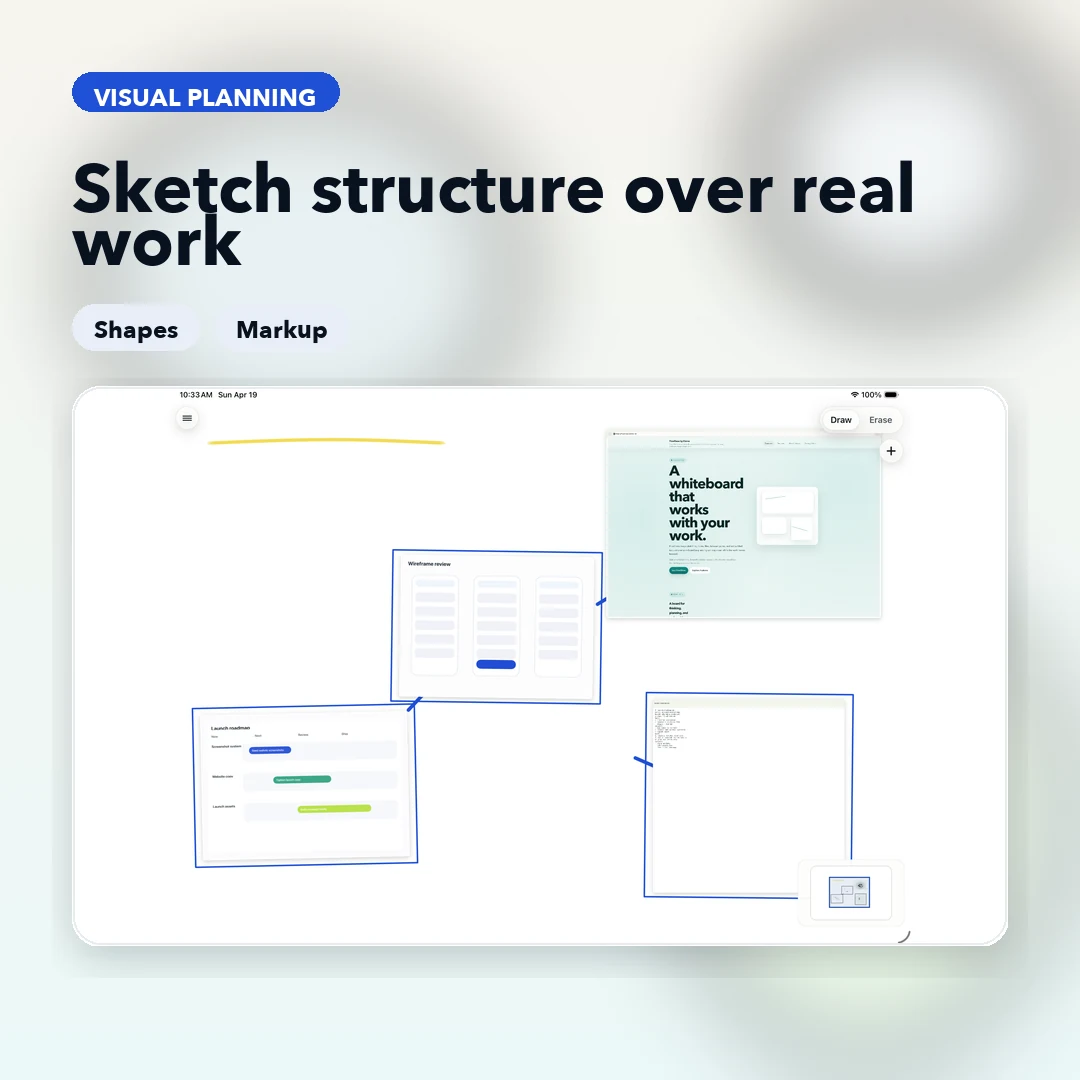
Scale & Presence
A workspace that matches the size of your ideas.
Stop fighting the edges of your screen. FlowShow provides a massive, paper-like canvas that allows you to map complex systems at scale. Zoom out to see the entire architecture; dive in to refine a single detail.
Tactile, low-latency ink designed for the speed of thought.
Fluid pan and zoom that lets you move between the macro and the micro instantly.
Capture the entire system or a specific detail with area-aware output.
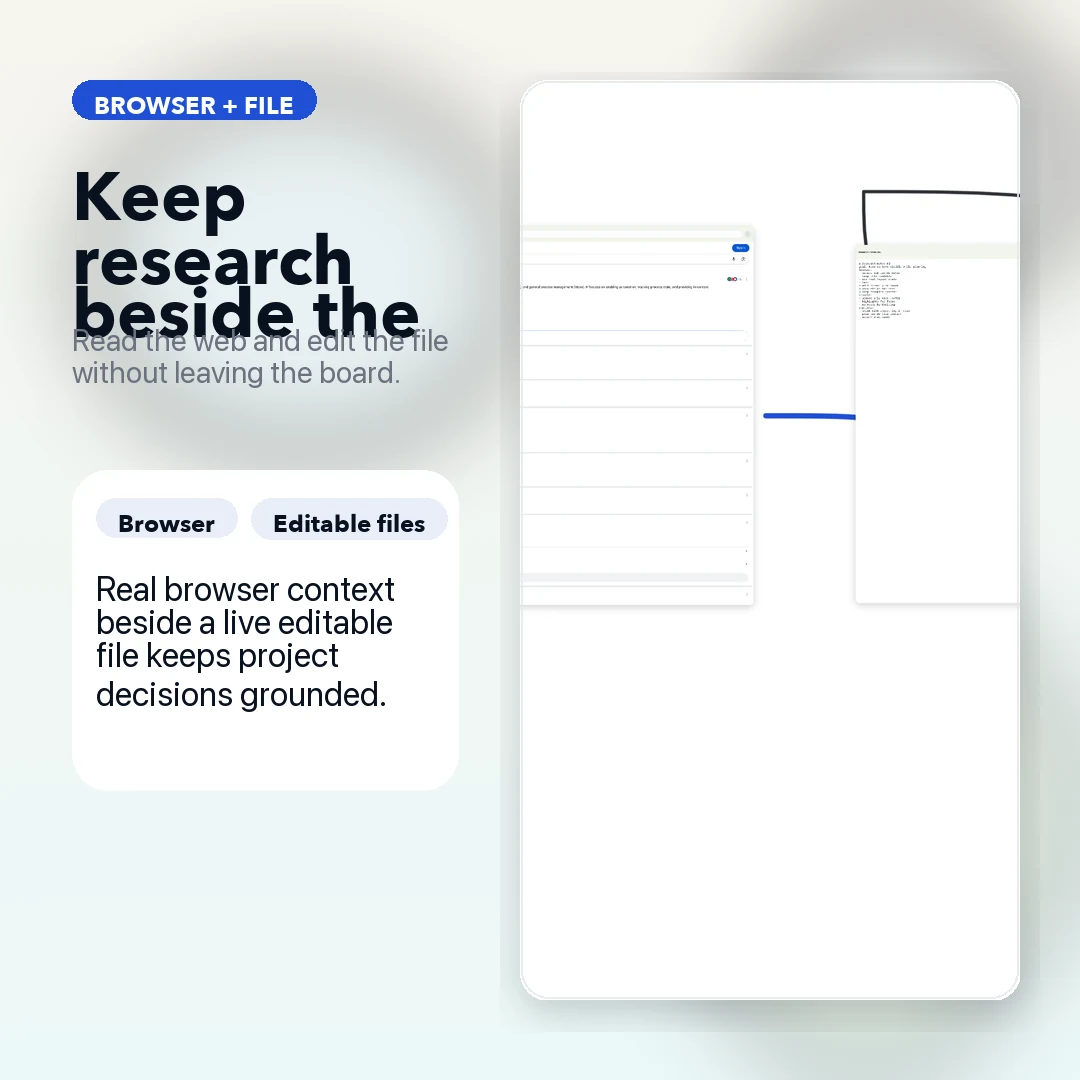
Context Aggregation
The end of the tab-switching tax.
Context switching is a productivity killer. FlowShow solves this by treating the web and your filesystem as board objects. Your documentation, your source code, and your sketches now exist in a single visual conversation.
Embed the live web directly into your workflow. Research and synthesize without ever leaving the board.
Open .rs, .py, .js, and .md files as editable panes. Your code is now part of your visual map.
The distance between a reference link and a line of code is now zero.
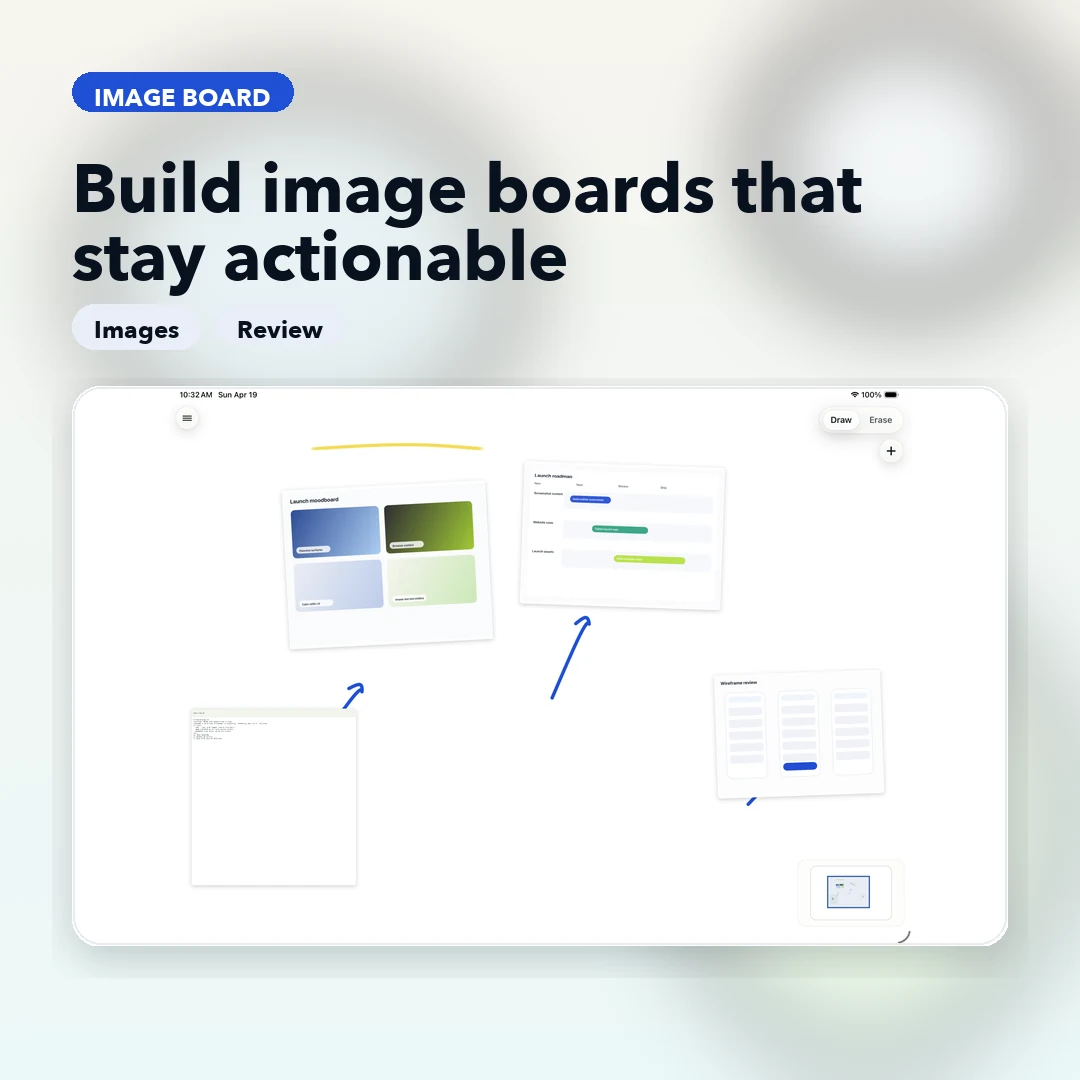
Visual Synthesis
Map the logic, not just the look.
Images in FlowShow aren't just decorations—they are anchors for thought. Combine reference visuals with structured markup to build a living map of your project's logic.
Place visuals exactly where they belong in the logic flow, not hidden in a folder.
Use highlights and connectors to turn a collection of images into a functional system map.
Organize your visual data without the rigidity of a template. The board evolves as the idea does.
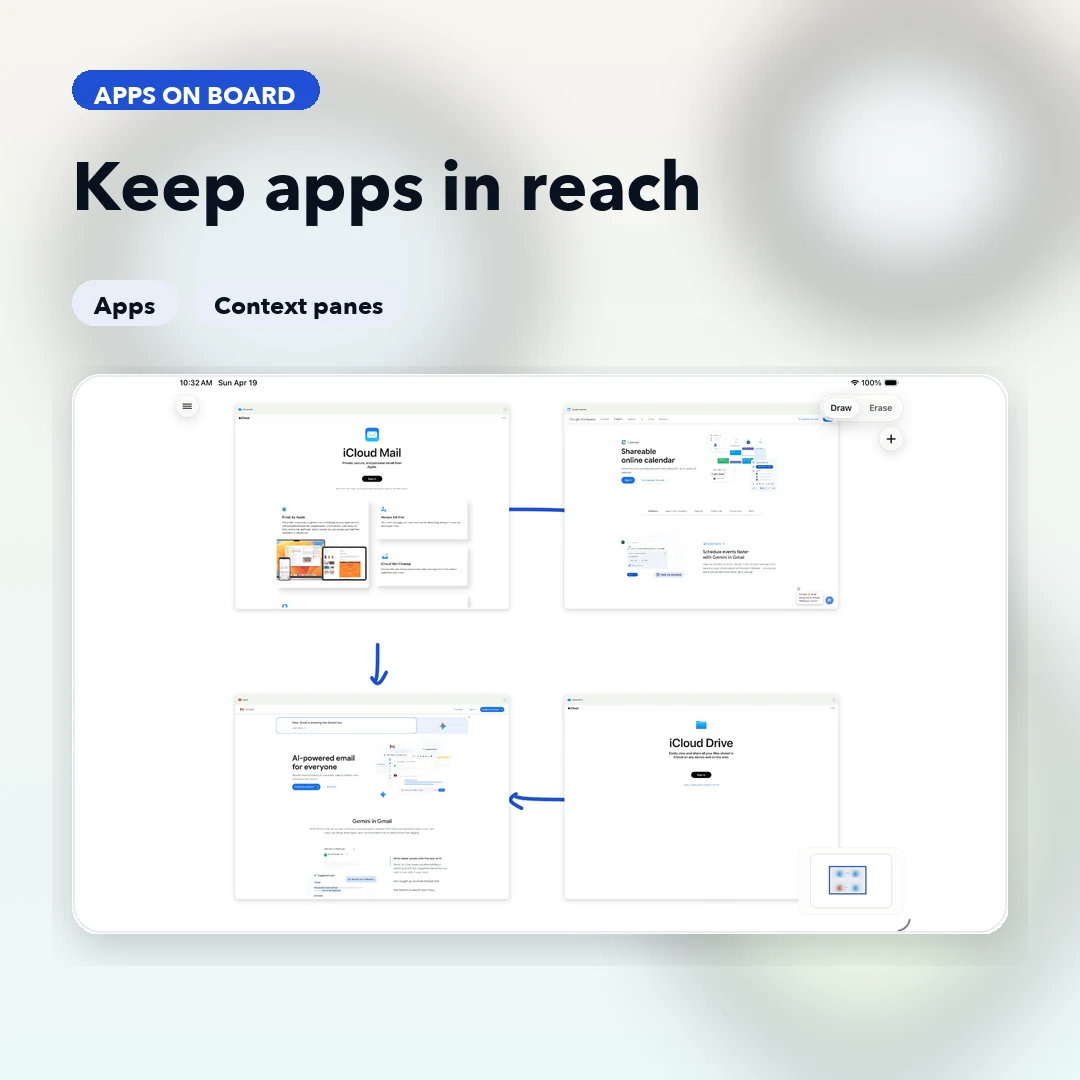
The Cockpit
Everything within reach.
Your board is the center of the work. FlowShow keeps your practical utilities—calendar, mail, and drive—as supporting panes that assist the session without hijacking your focus.
Keep your schedule and communications visible but secondary to the creative work.
Access your drive and tools as spatial objects, reducing the cognitive load of app-switching.
Maintain your flow state by keeping the supporting pieces of the project in your peripheral vision.
Data Sovereignty
Your thinking belongs to you.
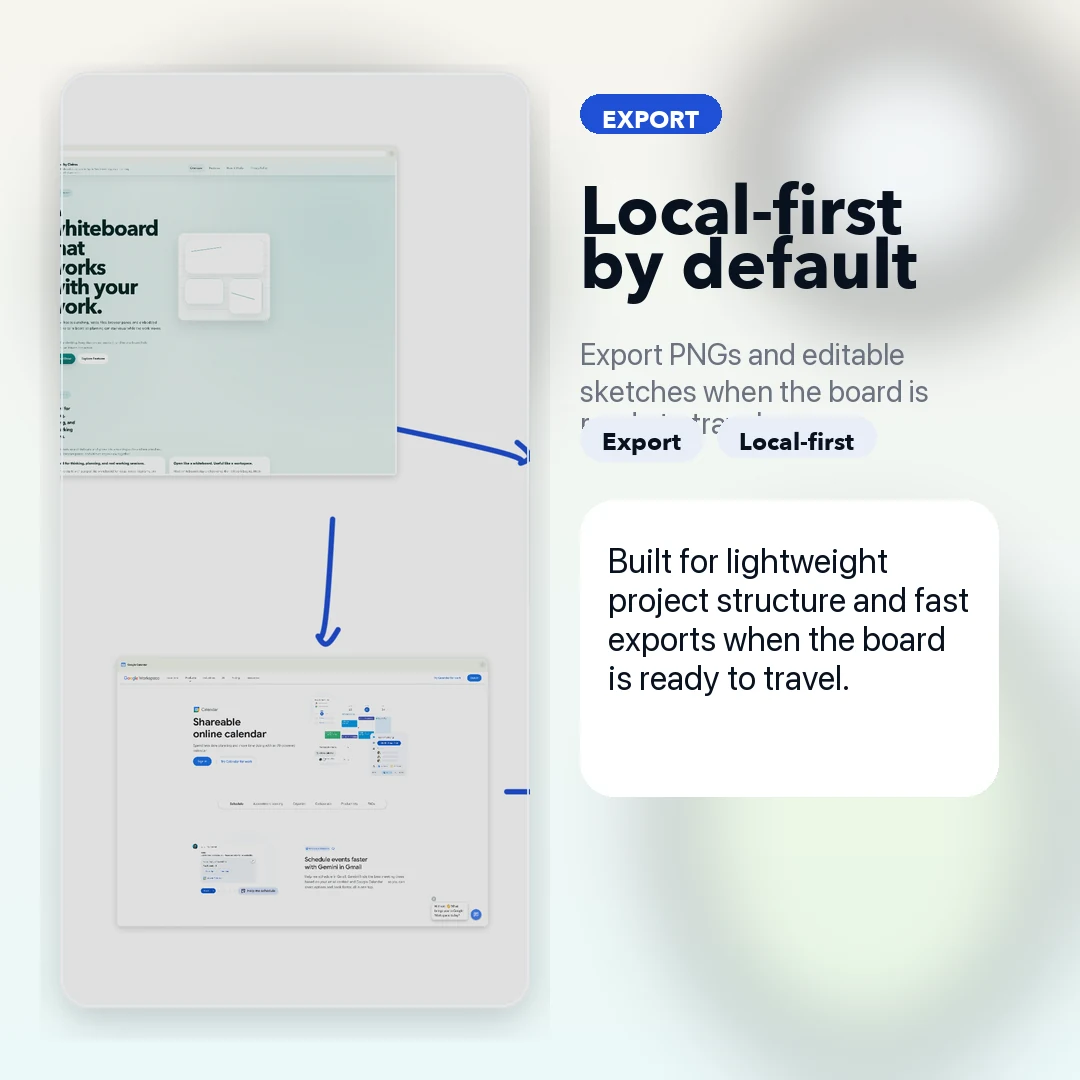
FlowShow is built on a local-first philosophy. Your boards, your files, and your ideas stay on your device. No cloud, no accounts, no surveillance.
Autosave on-device. Your work is ready the moment you open the app.
Move from fluid thinking to a finished asset with high-resolution PNGs or editable sketch packages.
A professional environment that works wherever you are, without requiring a connection.
FlowShow
Stop managing tools. Start mapping ideas.
FlowShow gives you the space to think, the context to build, and the privacy to explore.