Weekly planning
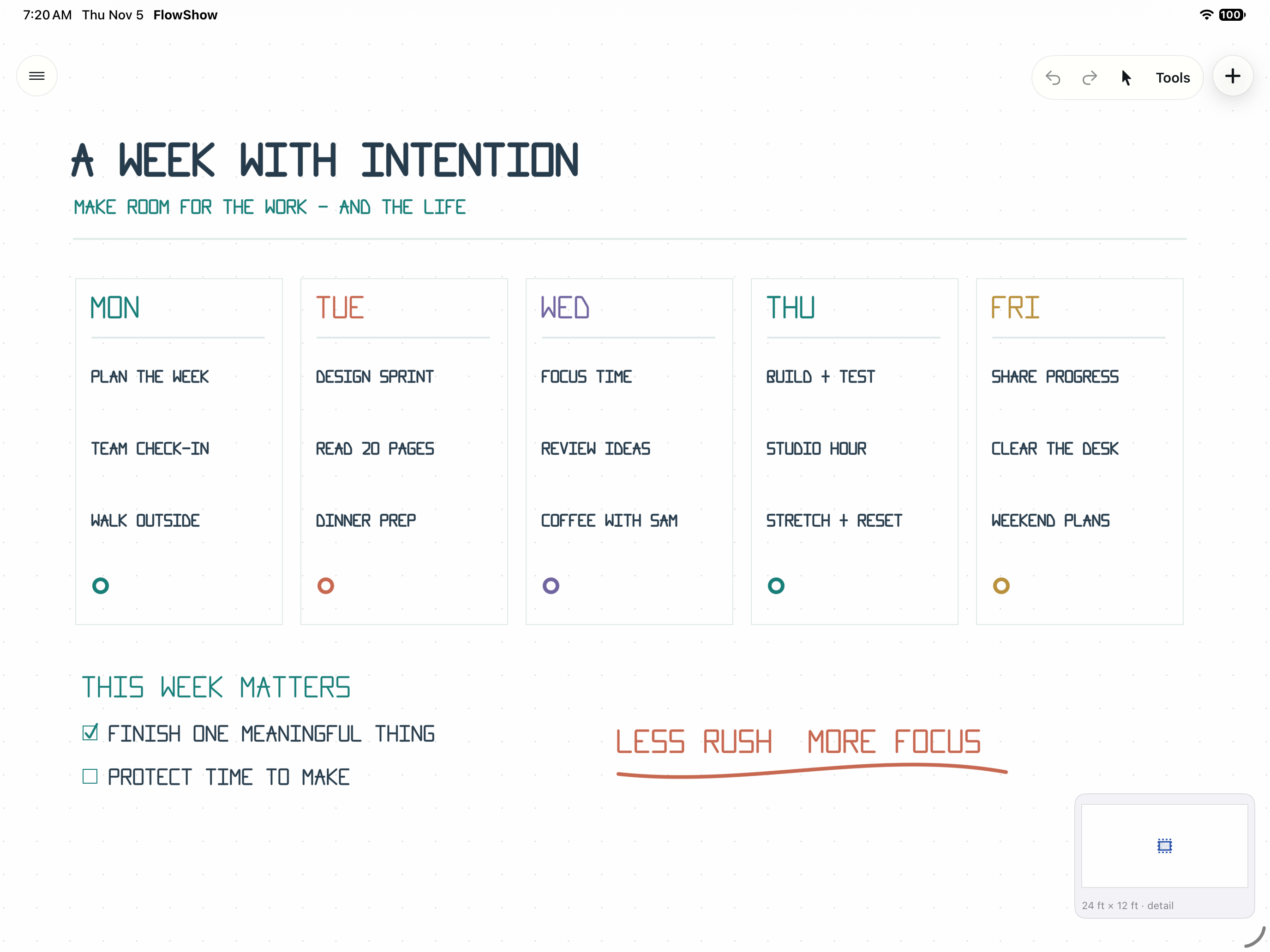
Arrange weekdays and priorities separately so the next action stays visible without filling every region.
Follow the walkthrough FlowShow
Thirty-one boards made inside the app. Eight complete walkthroughs to help you make your own. The layouts are examples, not built-in templates.
Arrange weekdays and priorities separately so the next action stays visible without filling every region.
Follow the walkthrough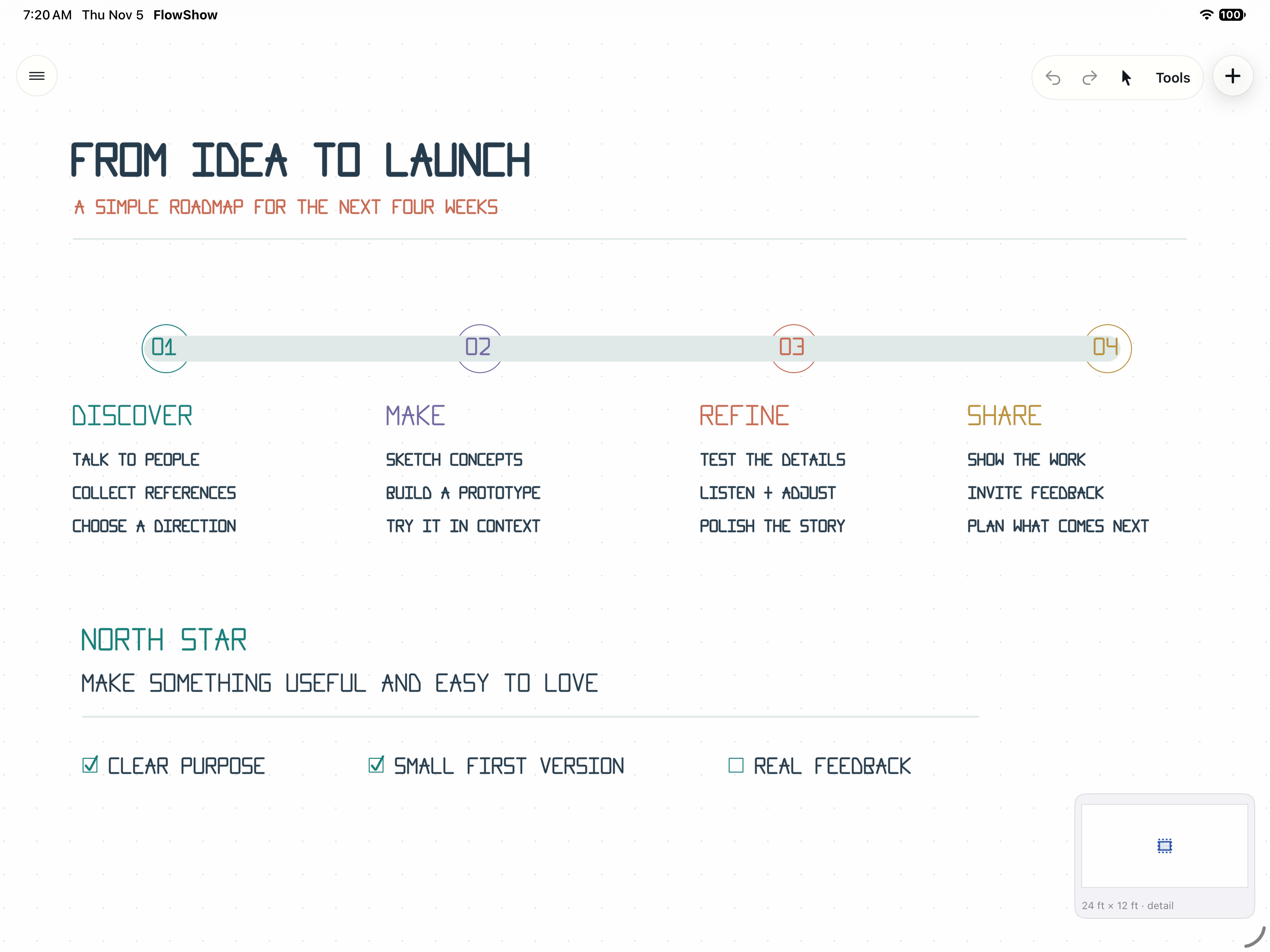
Map discovery, making, refinement and sharing, with a clear purpose underneath the sequence.
Follow the walkthrough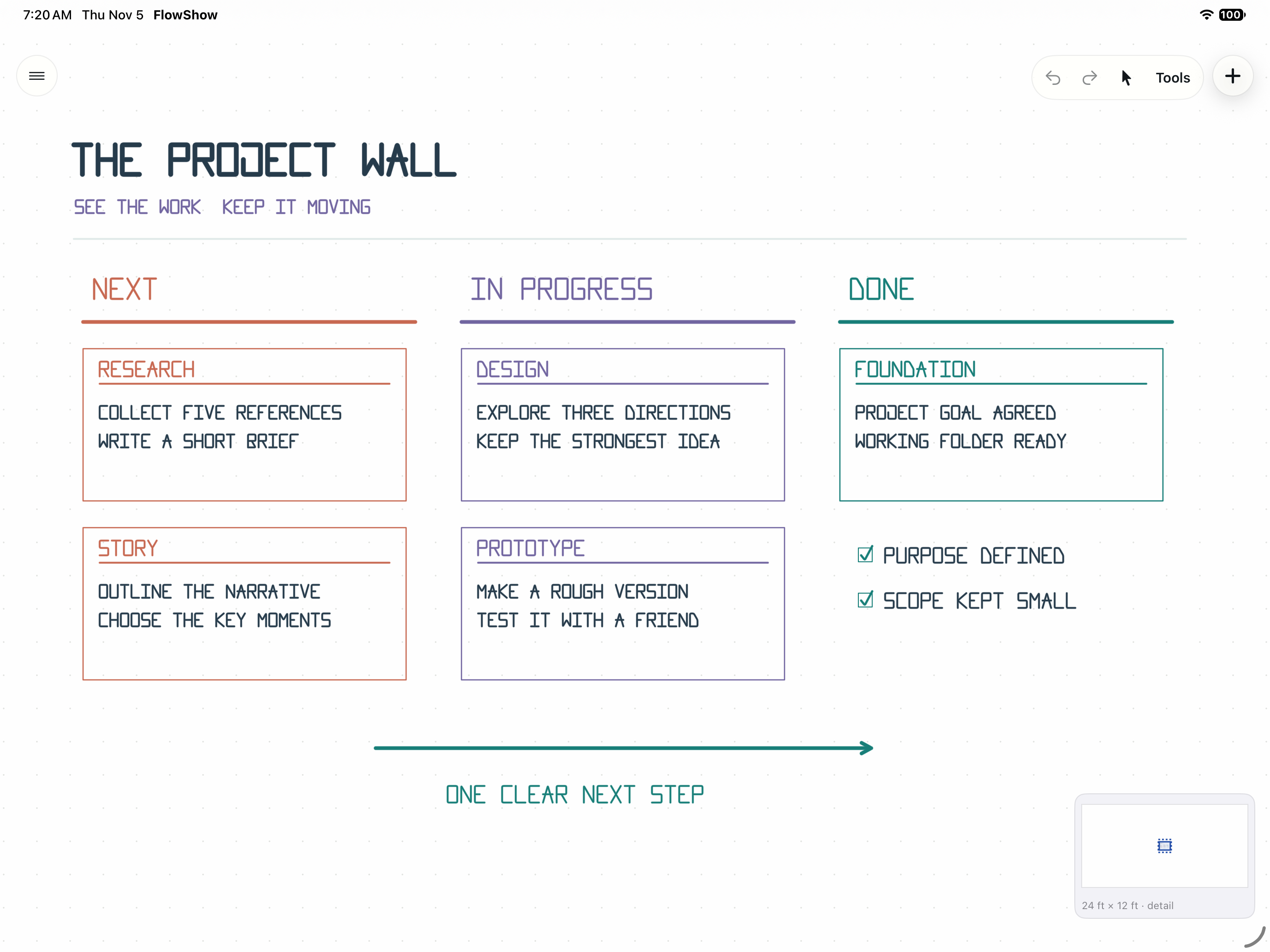
Move manually arranged project items between Next, In progress and Done. The columns are not automated task states.
Explore the tools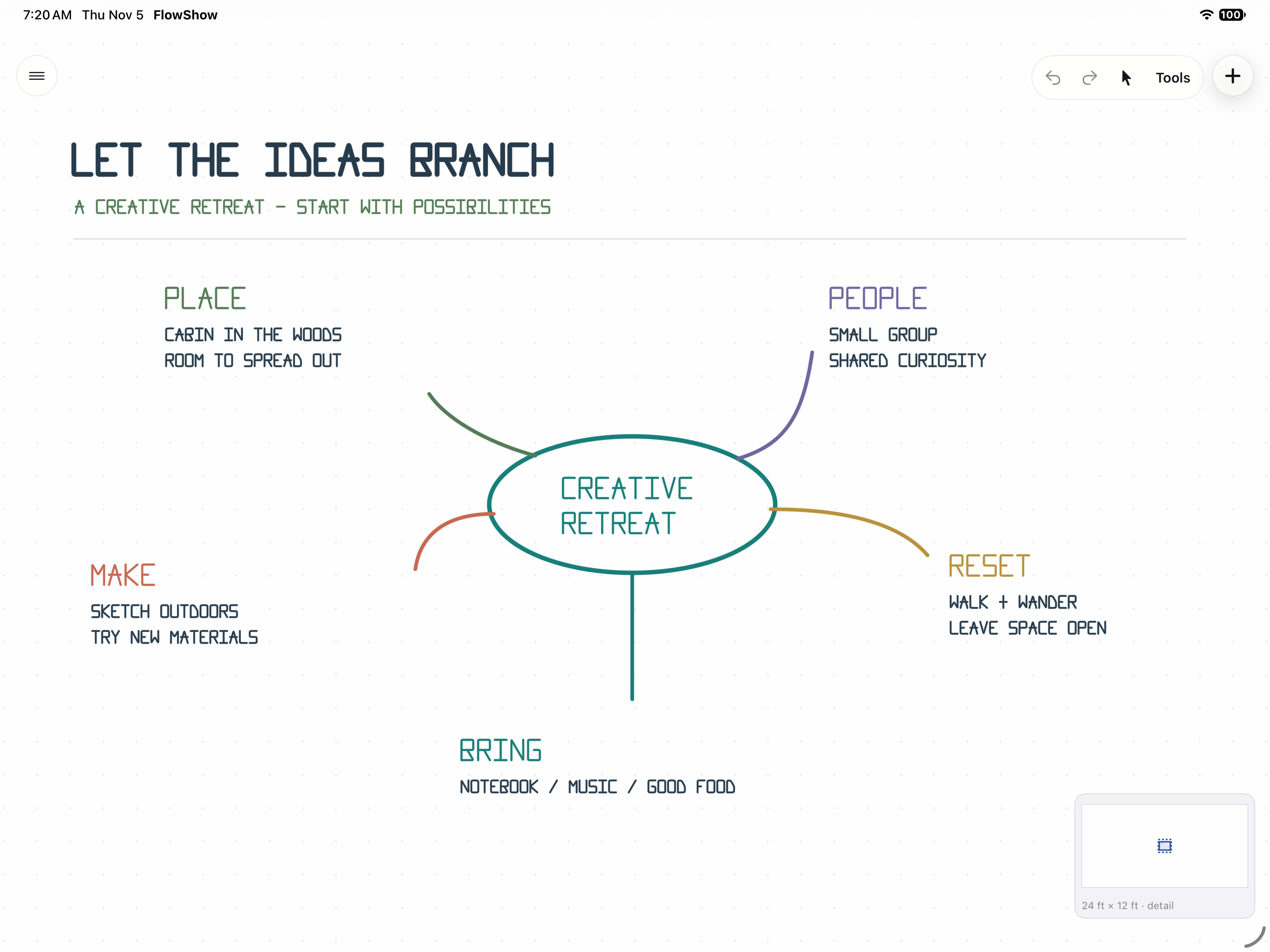
Branch a creative-retreat idea into Place, People, Make, Reset and Bring before forcing it into a schedule.
Follow the walkthrough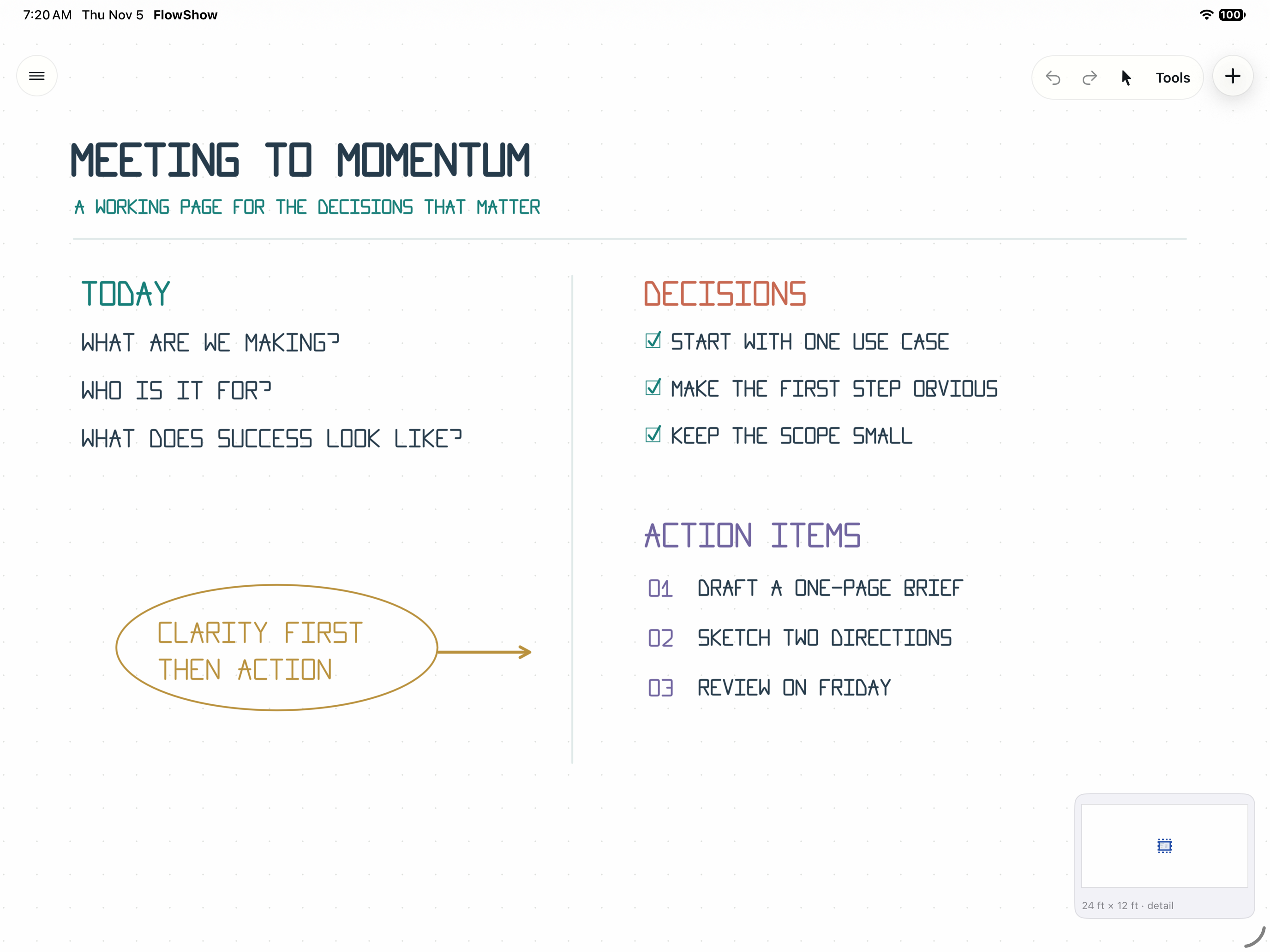
Separate meeting questions, decisions and action items so the conclusion is not buried in the discussion.
Explore the tools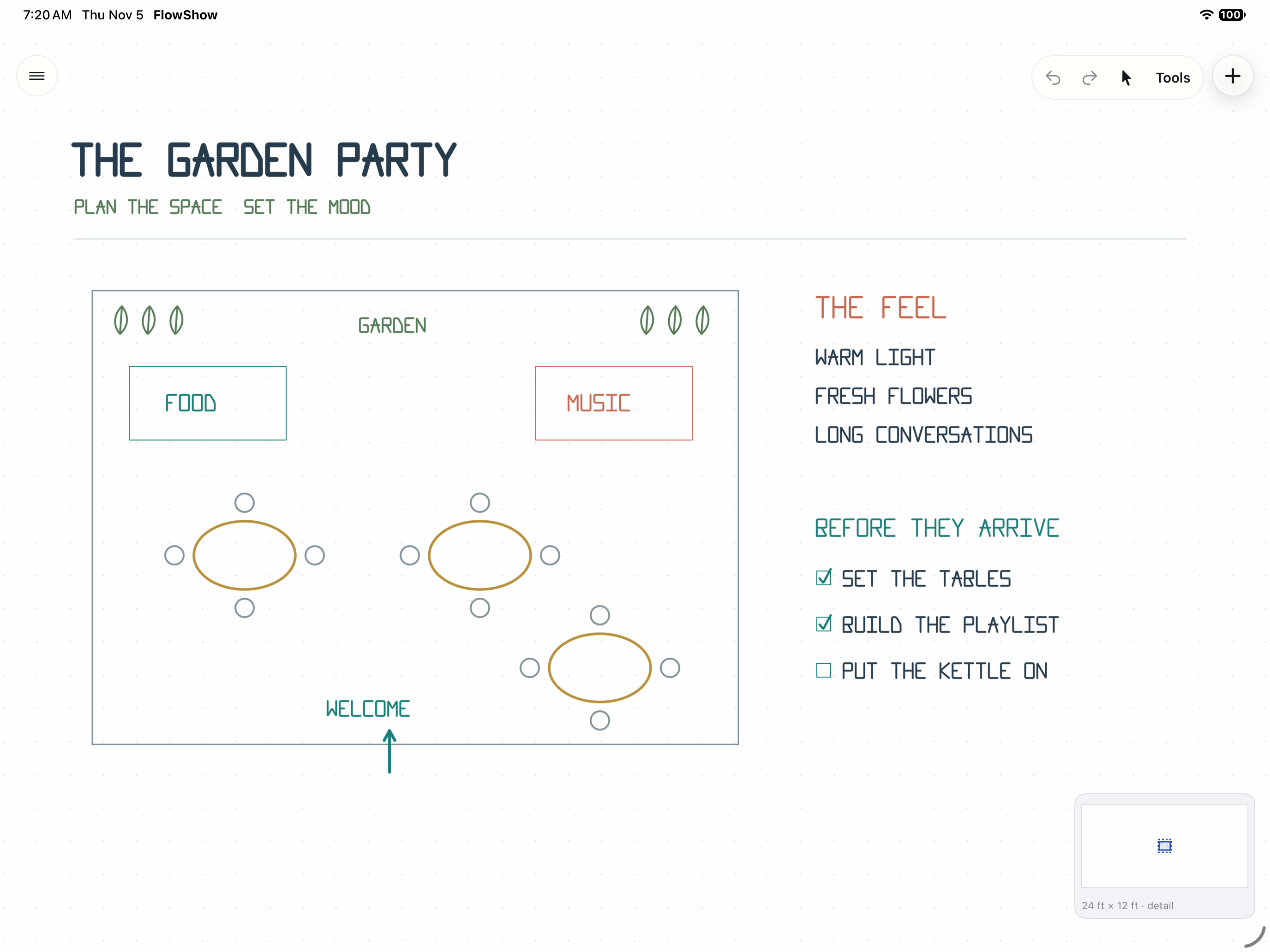
Sketch a garden-party arrangement with tables, music and food, then keep preparation notes beside the layout.
Explore the tools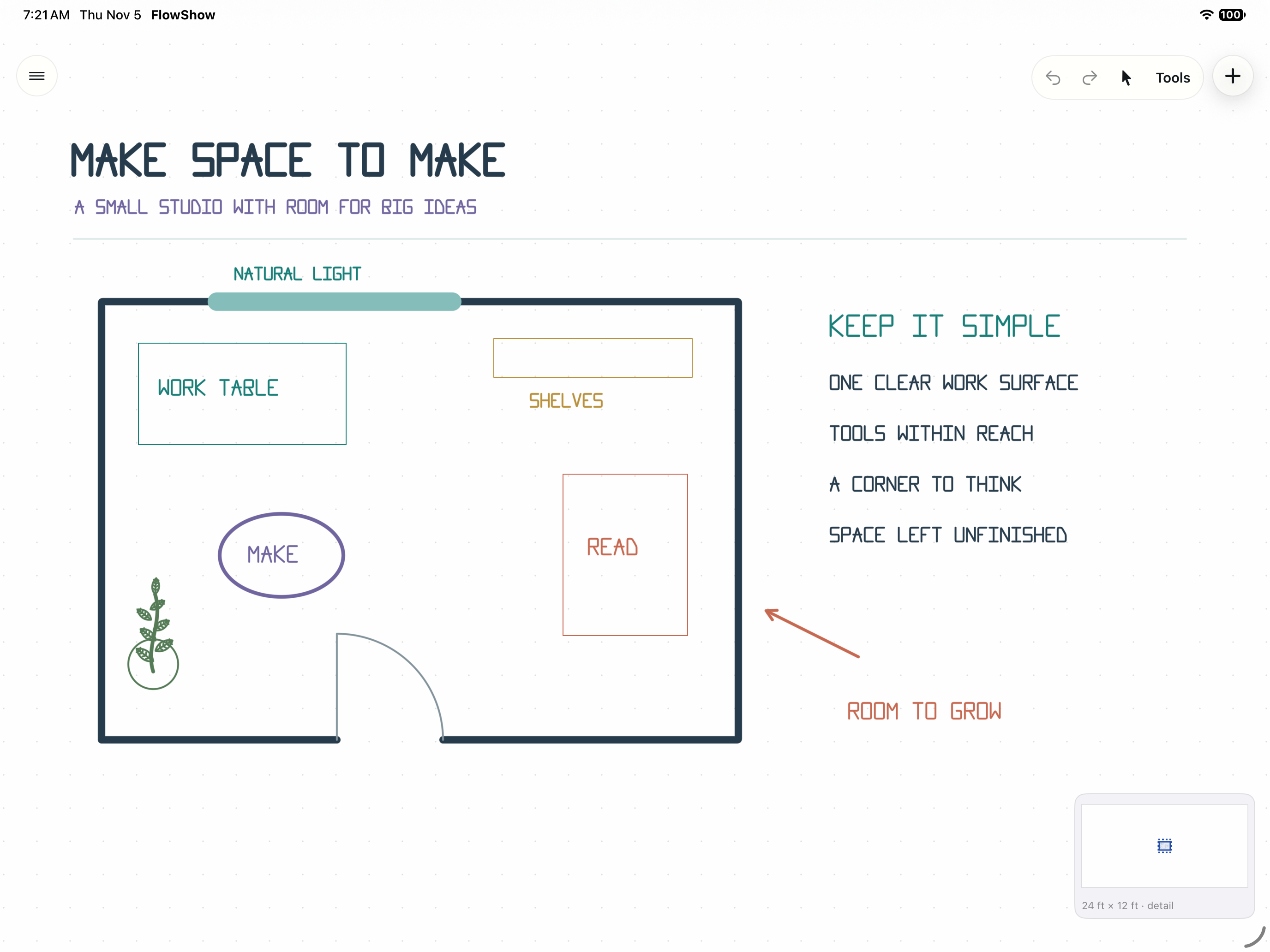
Plan a compact studio with a work table, shelves, door and room to move. The drawing supports spatial discussion.
Explore the tools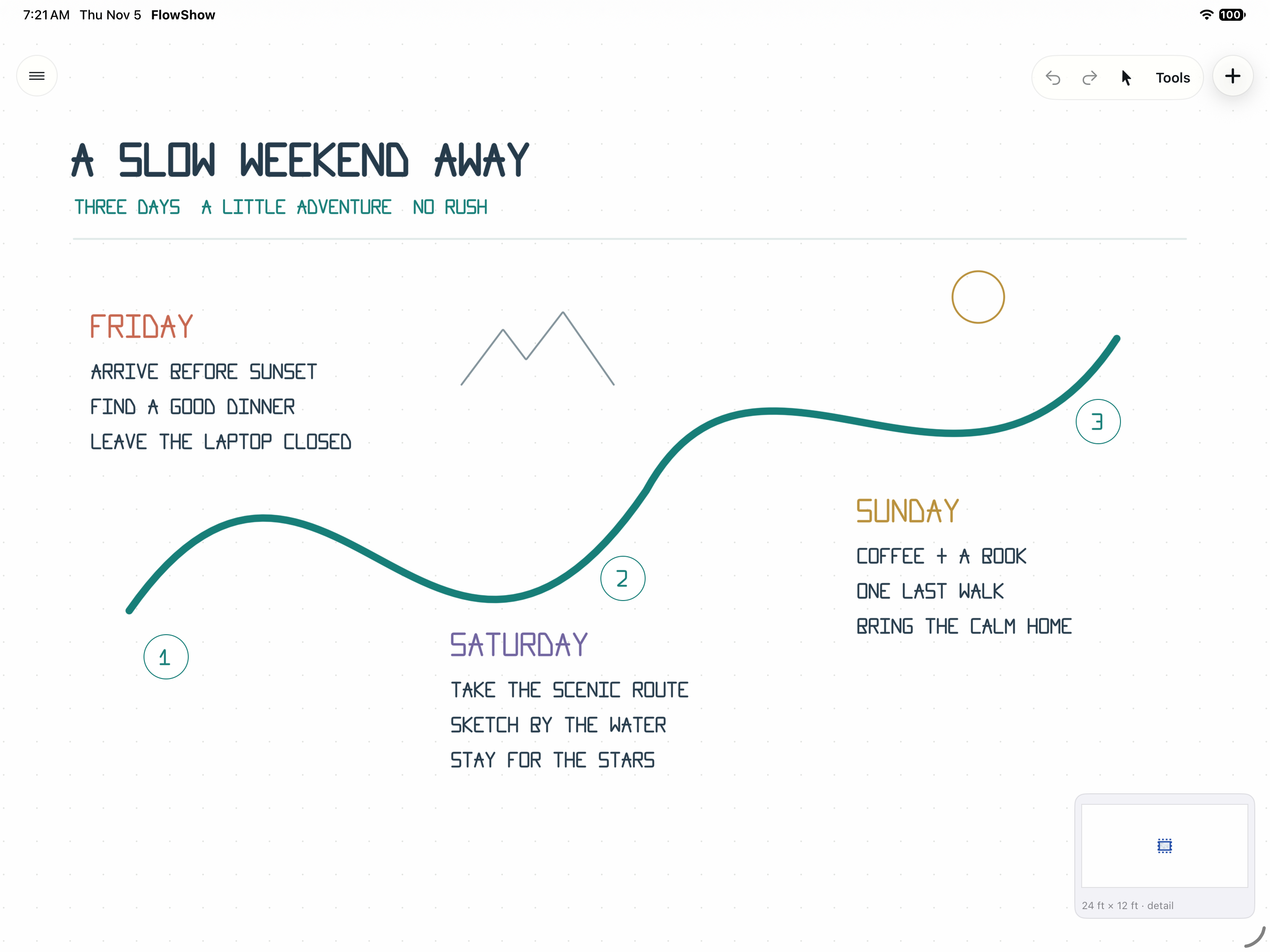
Spread a three-day itinerary along a drawn route. It is a visual plan, not a live map or routing service.
Explore the tools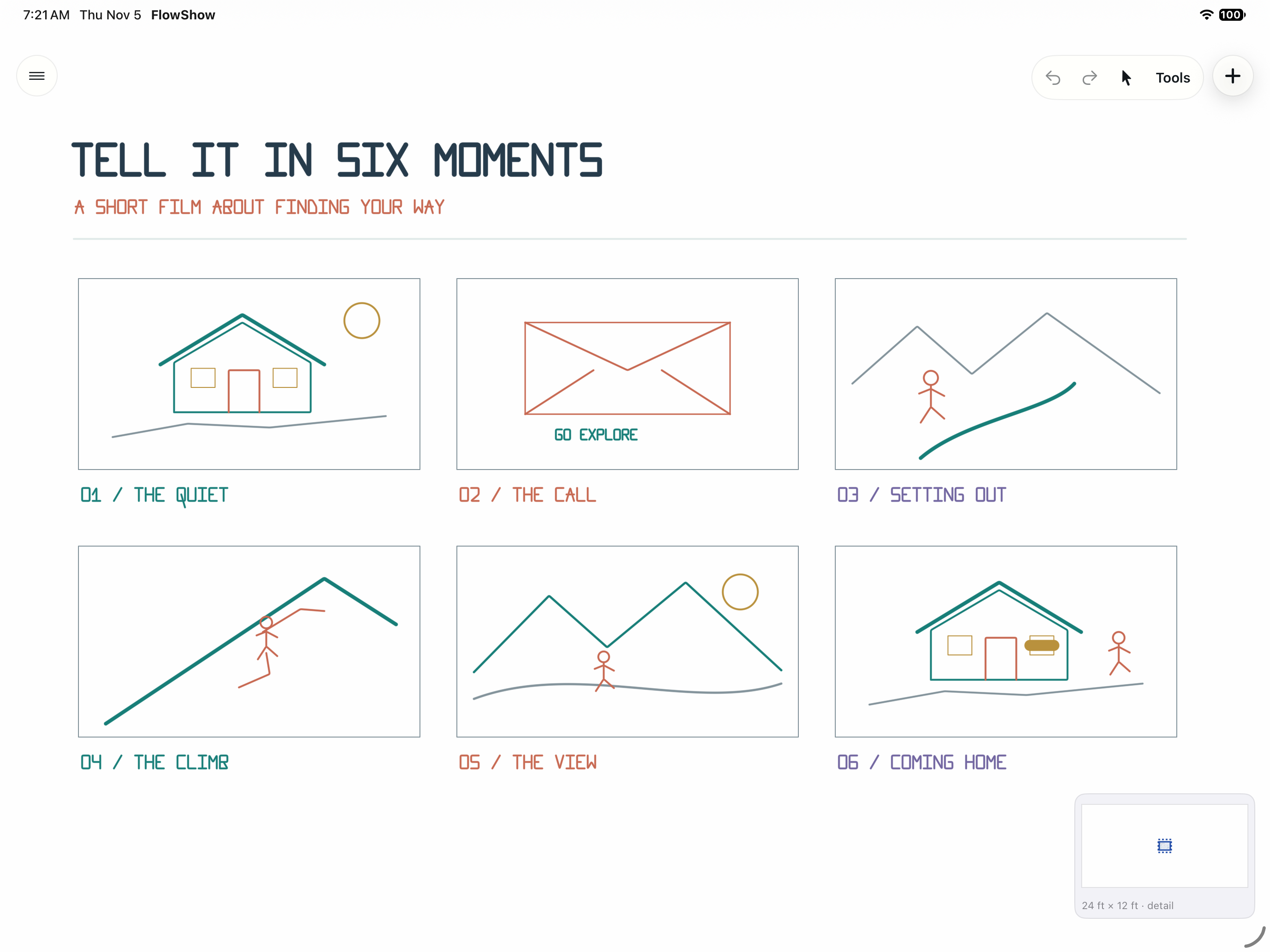
Use six frames to tell a journey from a quiet home to exploration and back. Each moment has a short label.
Follow the walkthrough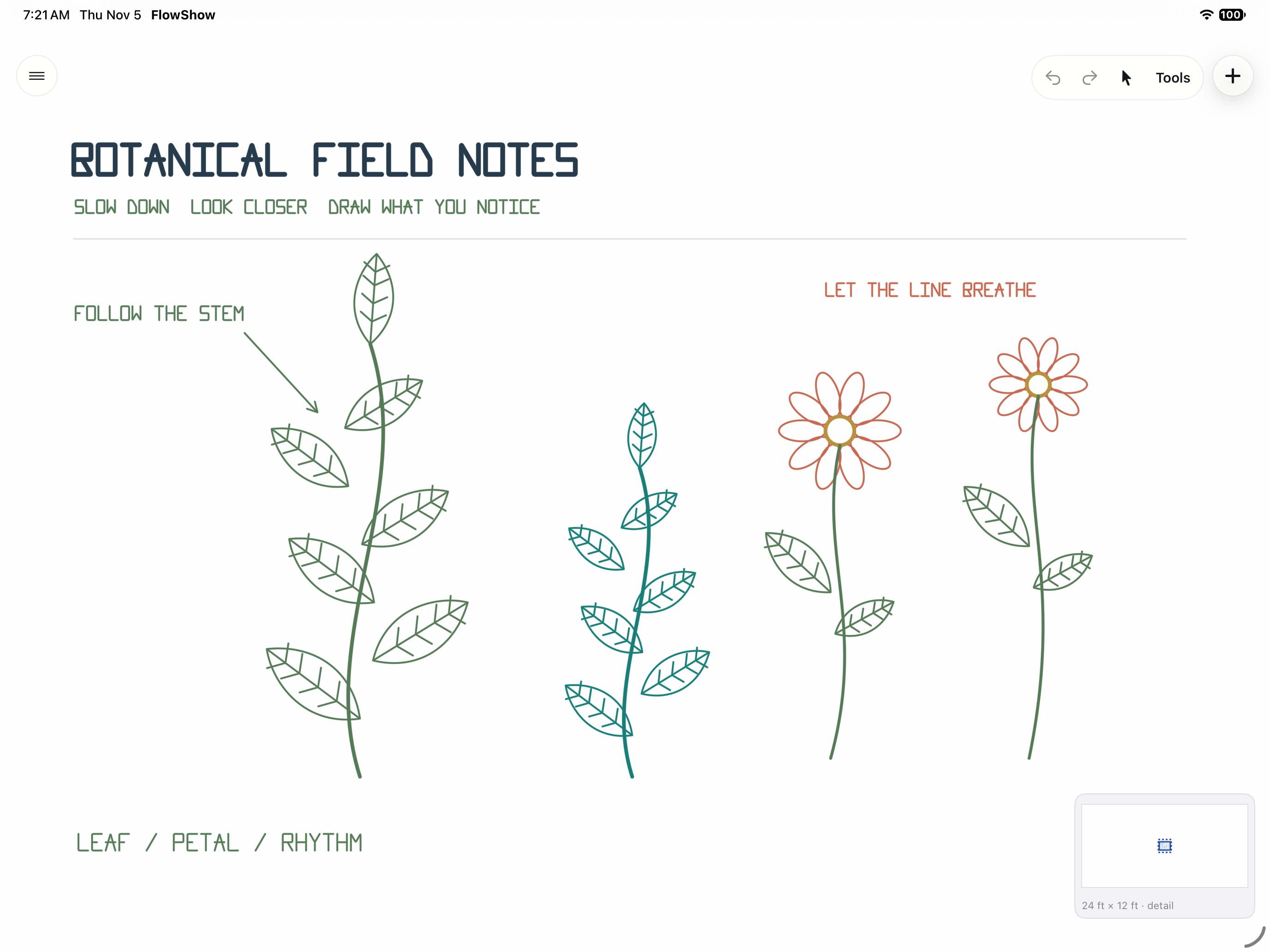
Study leaves, stems and flowers with a few repeated marks, leaving room for observations beside the drawing.
Explore the tools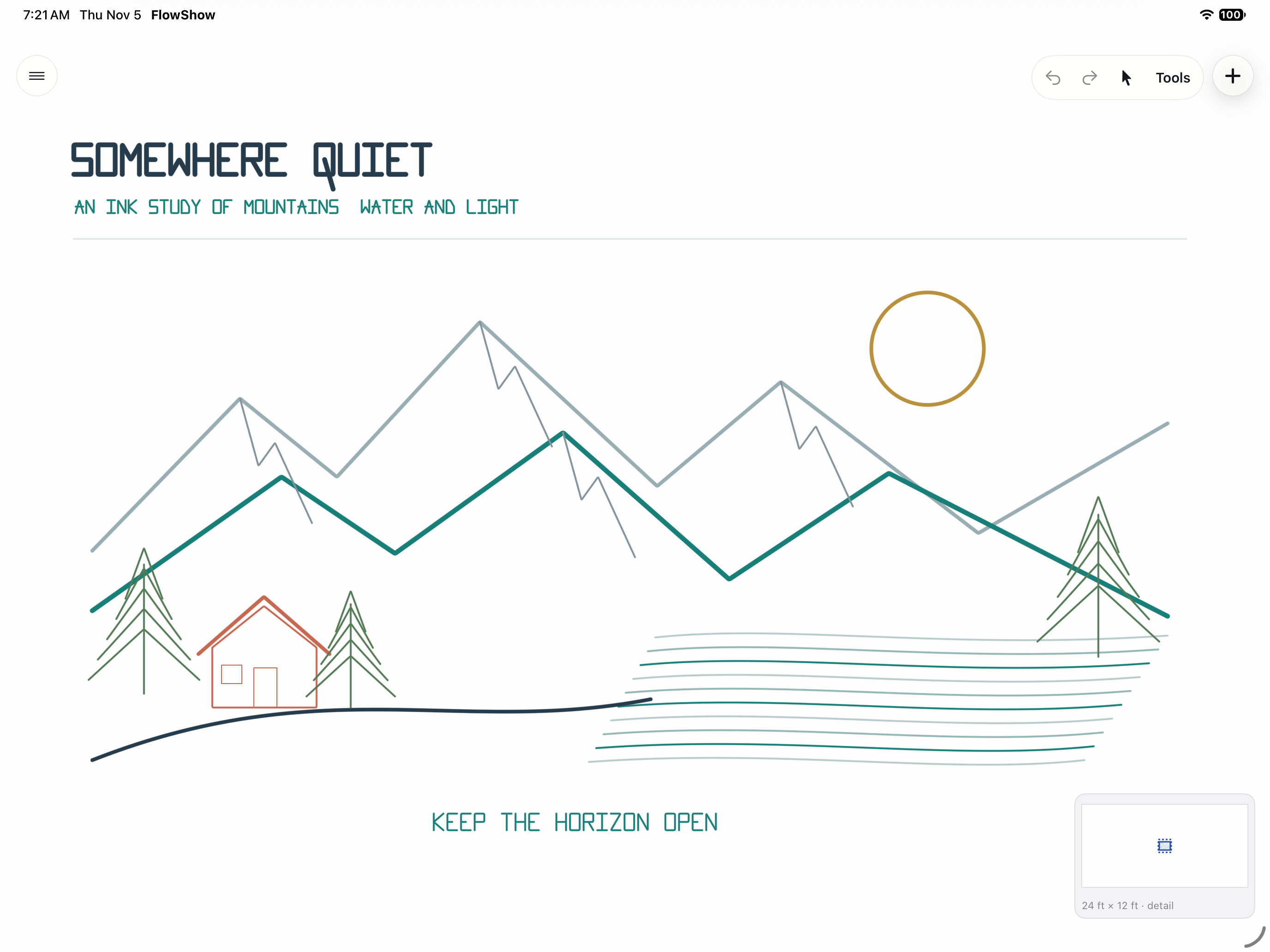
Explore mountains, a cabin and water with a small ink palette while keeping the horizon readable.
Explore the tools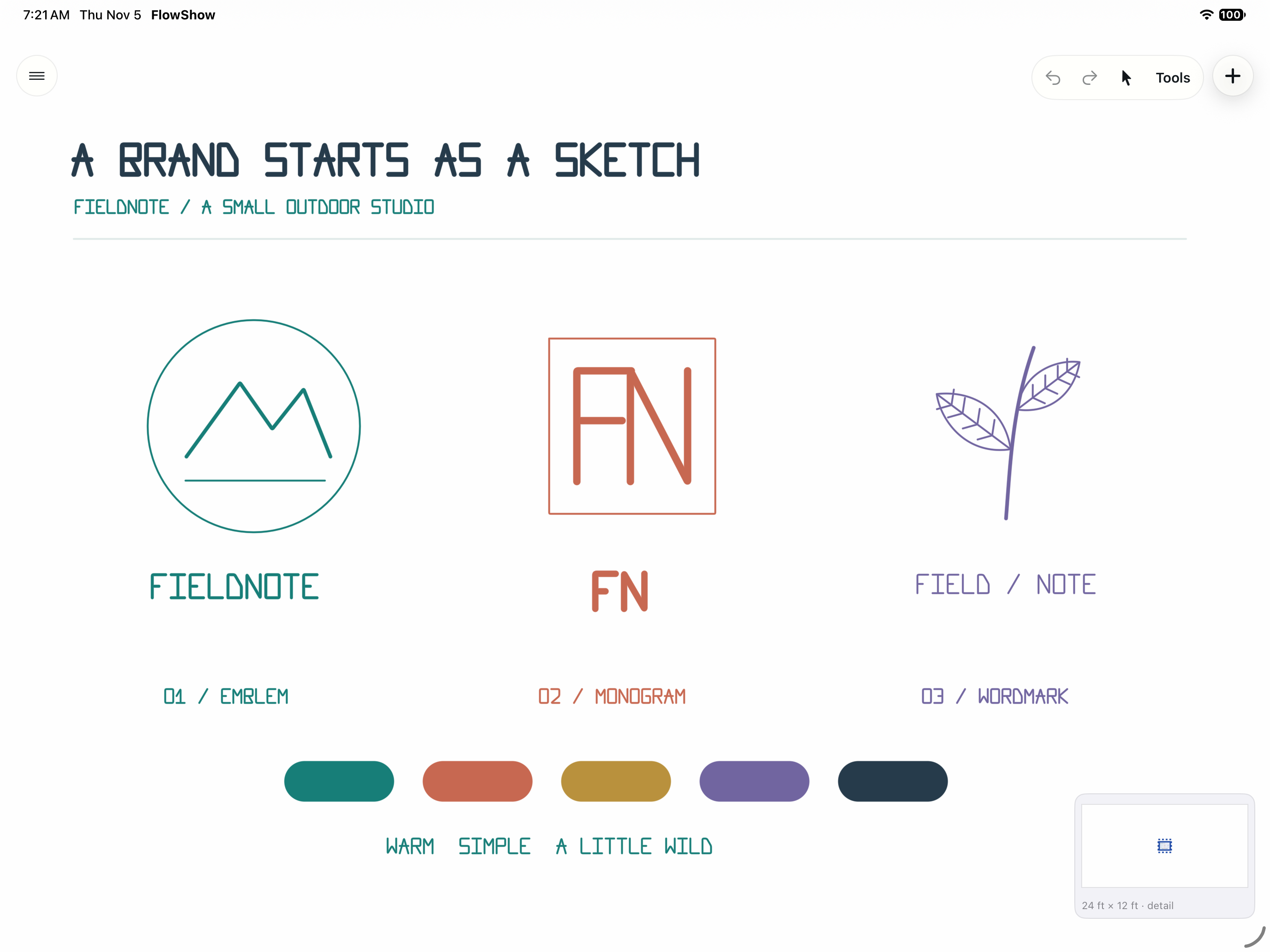
Compare emblem, monogram and wordmark sketches on one board with a shared set of color samples.
Explore the tools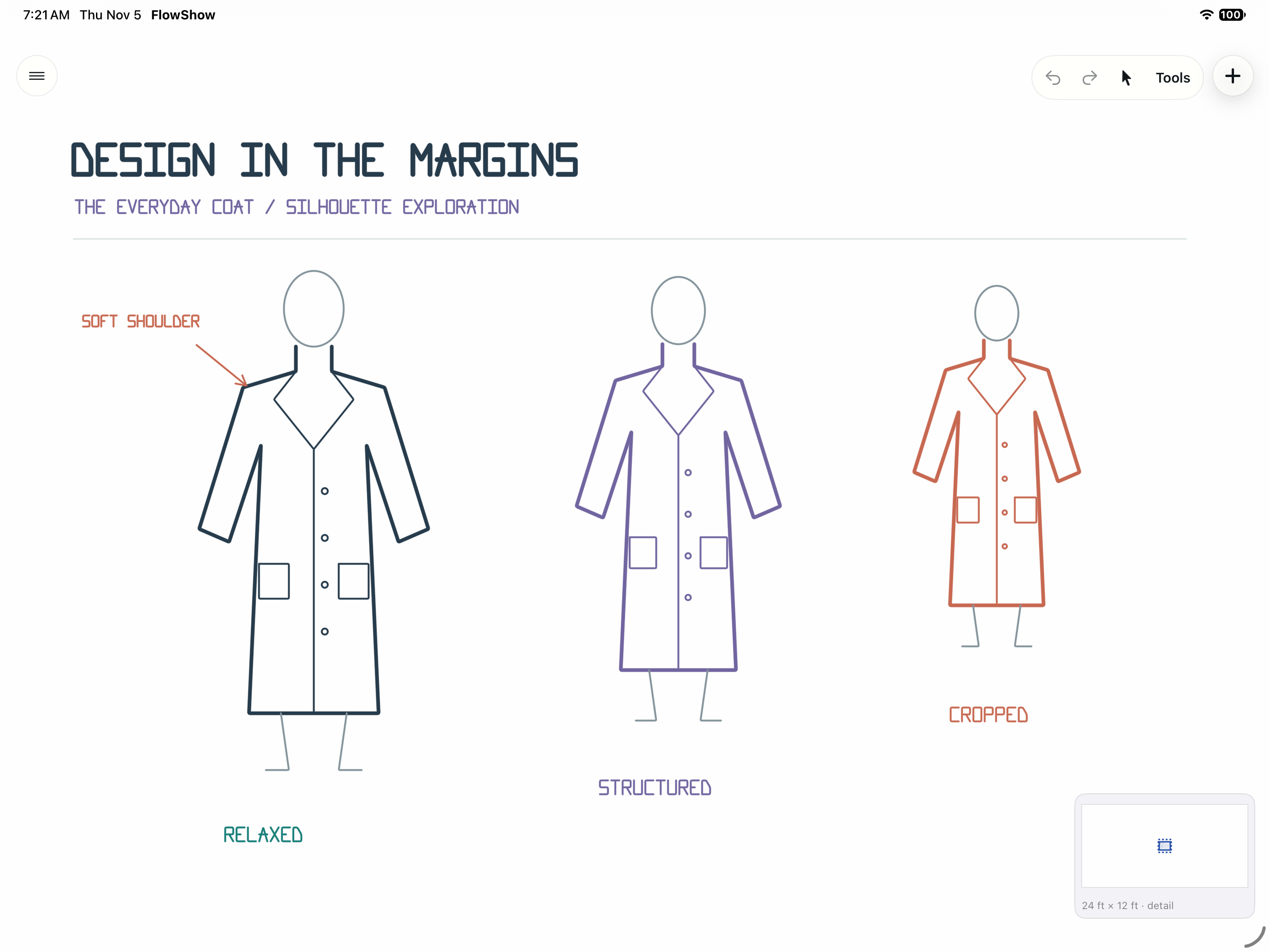
Explore relaxed, structured and cropped coat silhouettes without committing the entire board to one variation.
Explore the tools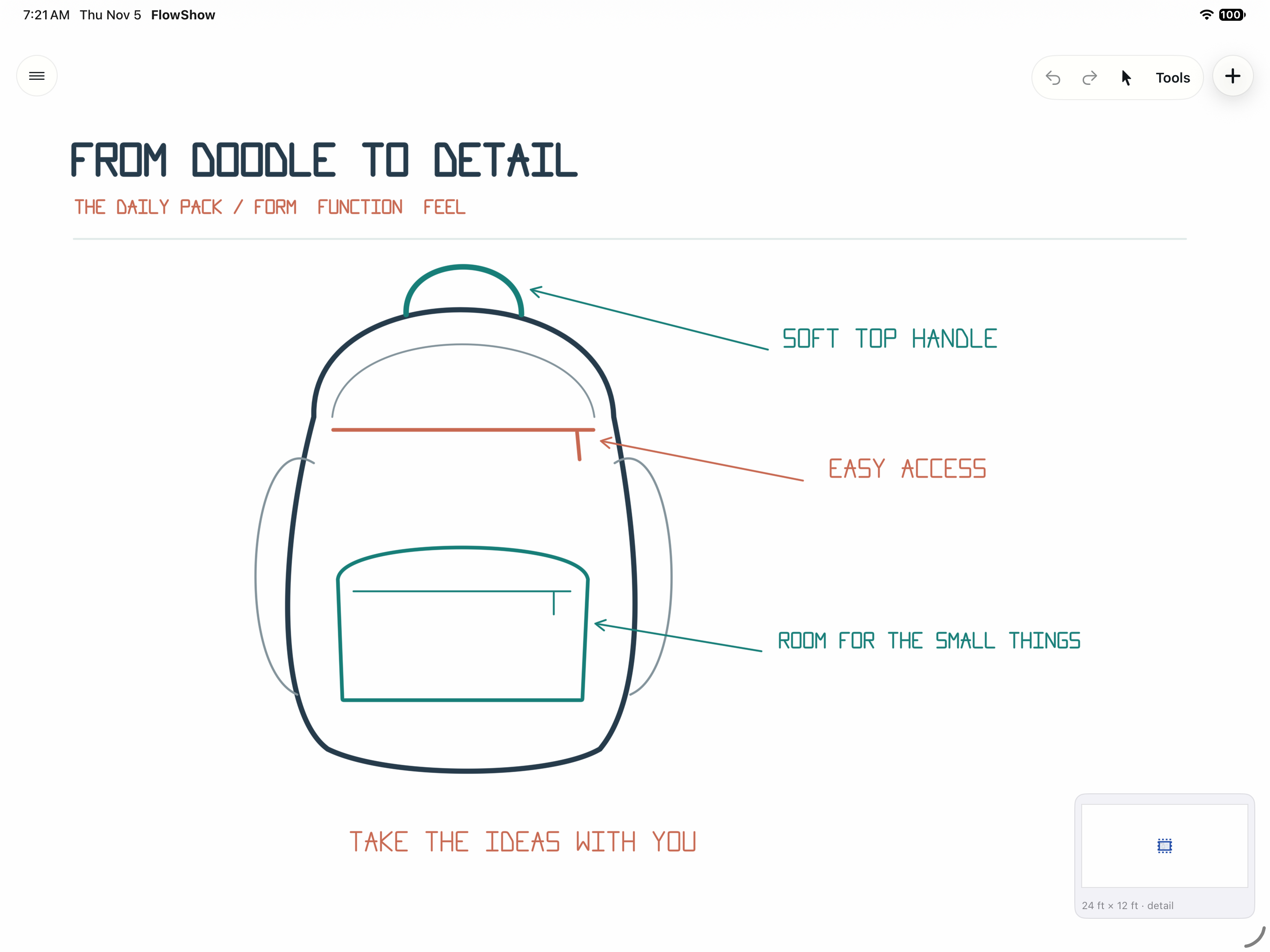
Develop a backpack outline with callouts for its handle, access and small-item storage.
Follow the walkthrough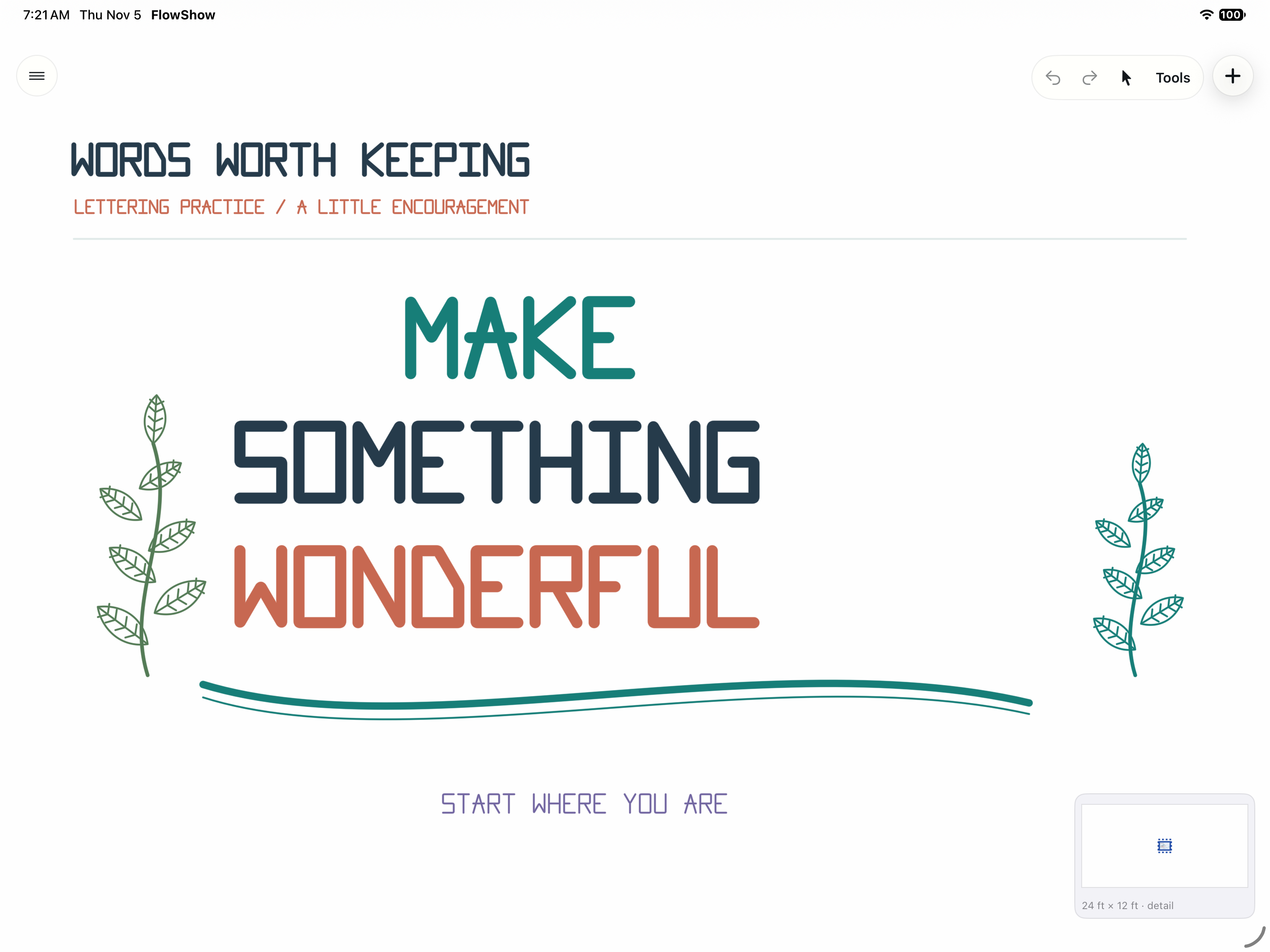
Build a lettering composition with changes in size and color, then use small botanical details for emphasis.
Explore the tools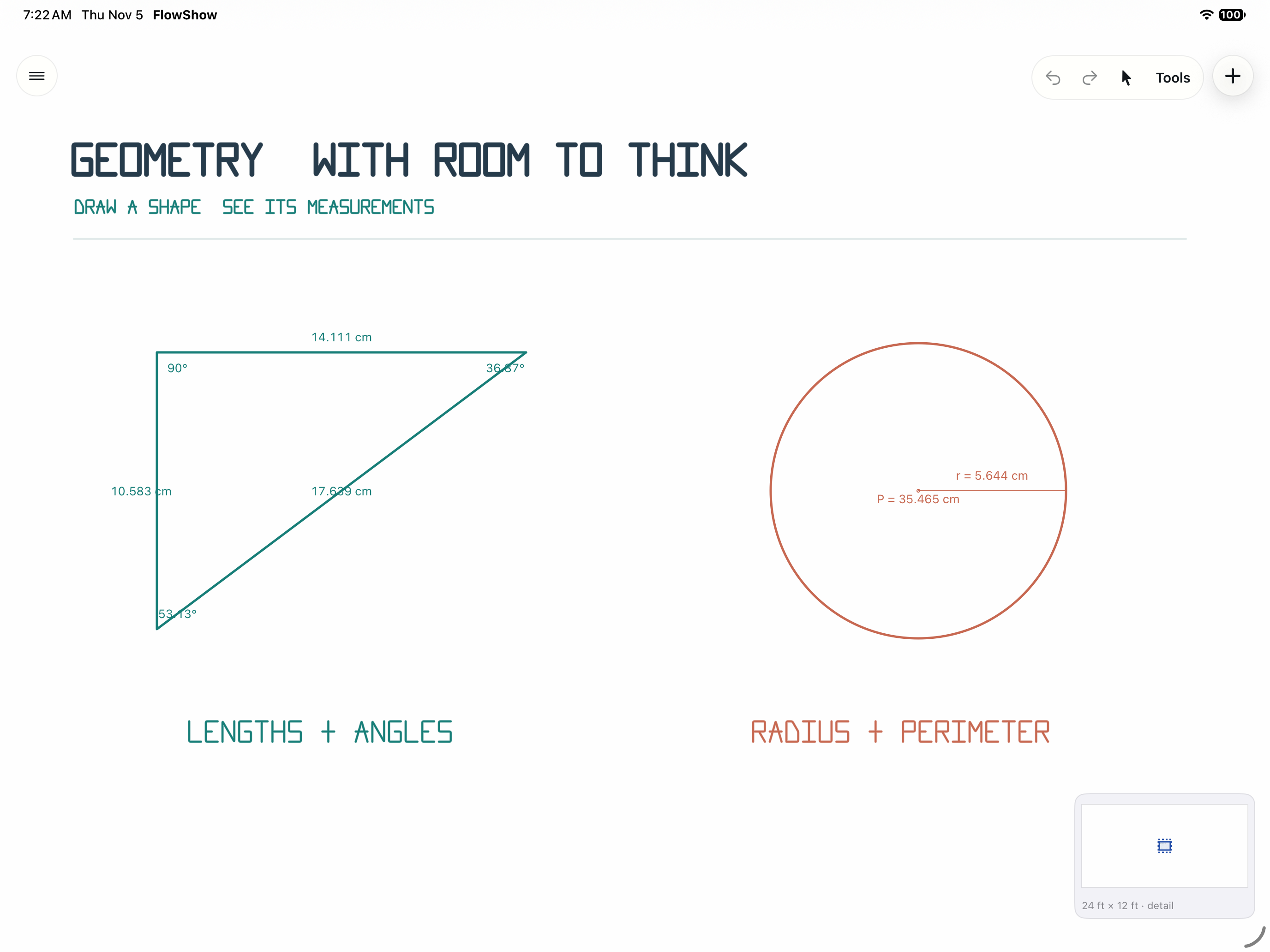
Display lengths and angles on a triangle, then compare them with a circle’s radius and perimeter.
Follow the walkthrough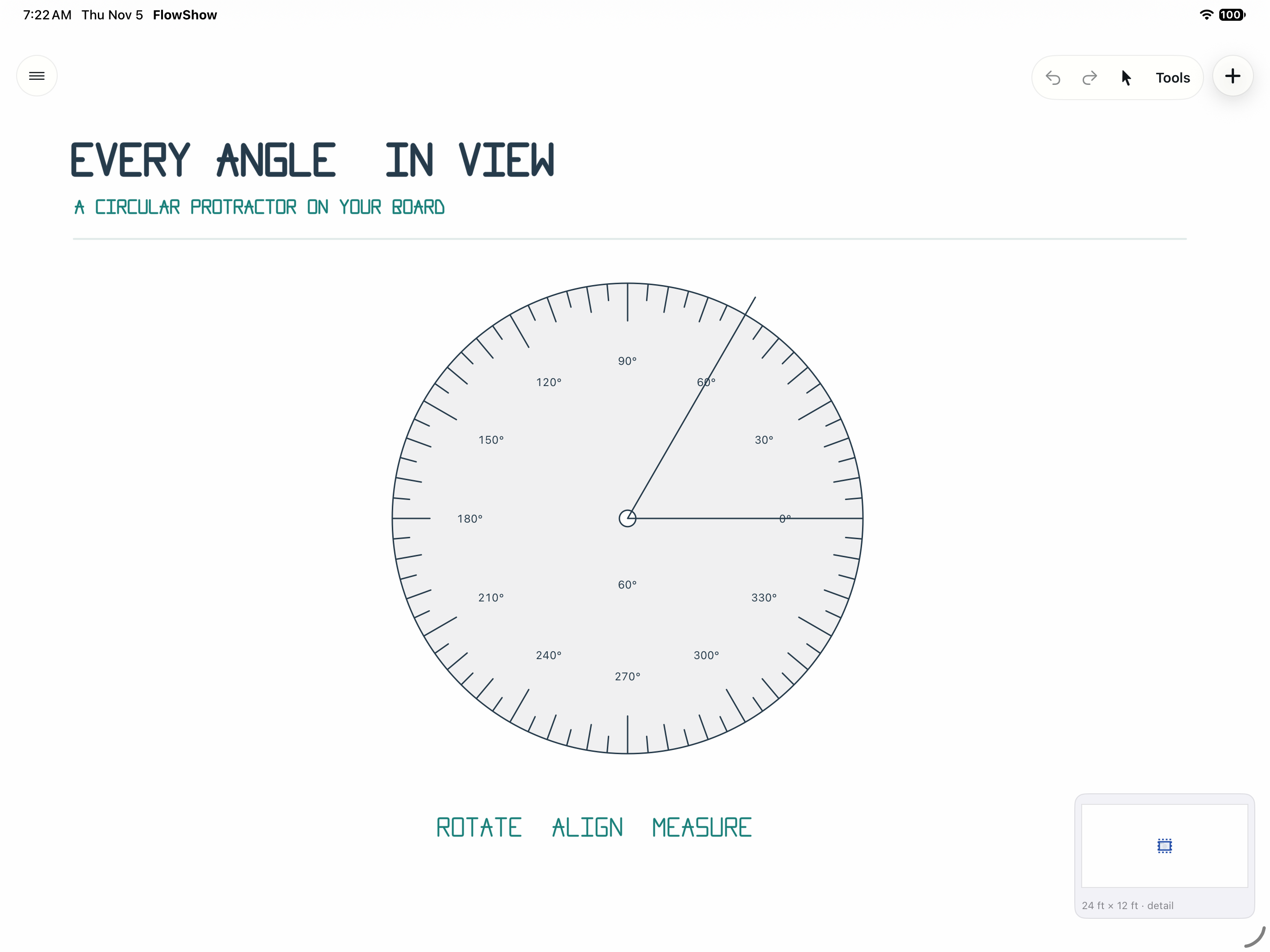
Place a translucent 360-degree protractor over the drawing and move its arm without hiding the lines underneath.
Explore the tools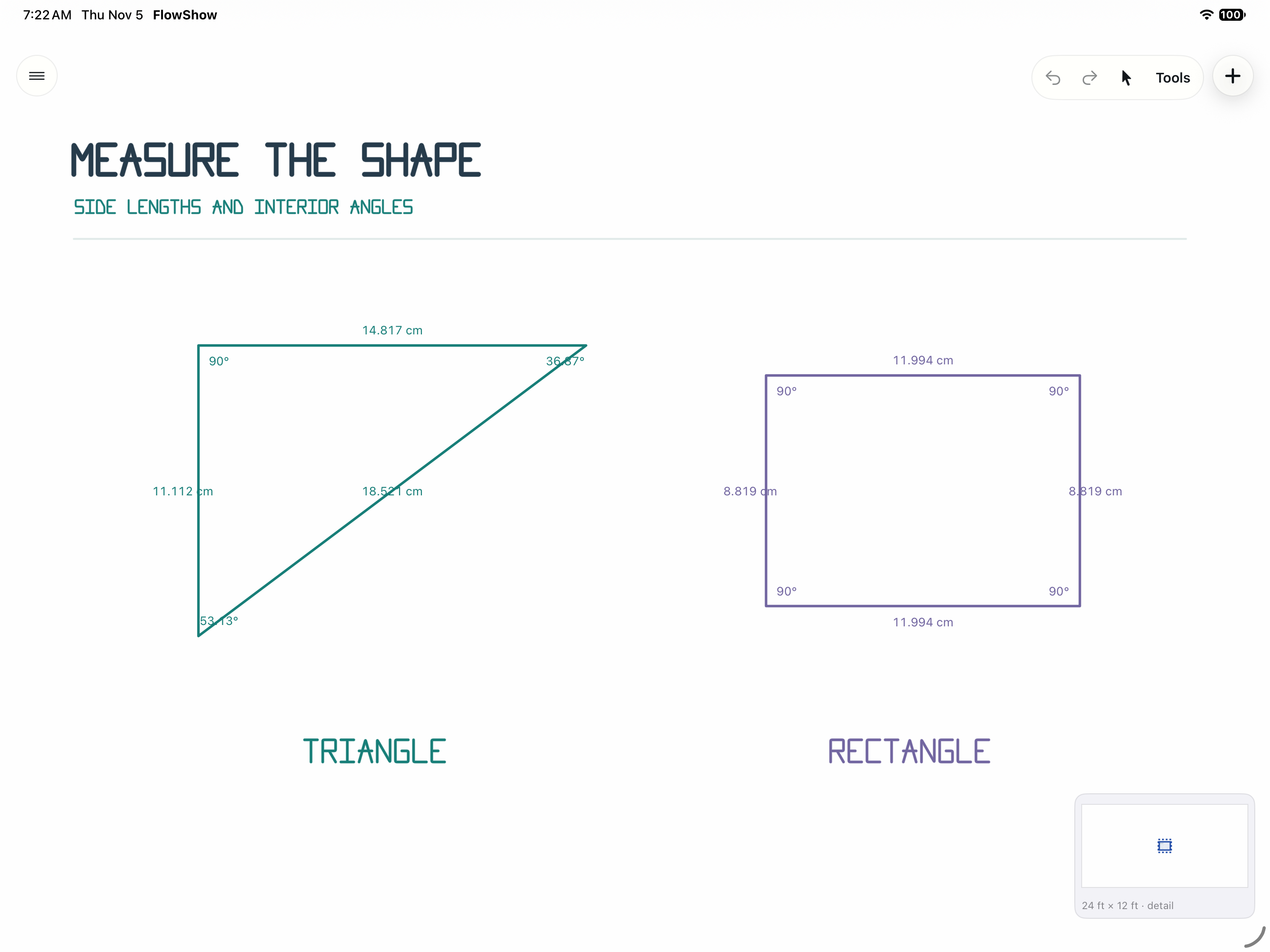
Keep triangle and rectangle measurements with the shapes instead of writing disconnected numbers elsewhere.
Explore the tools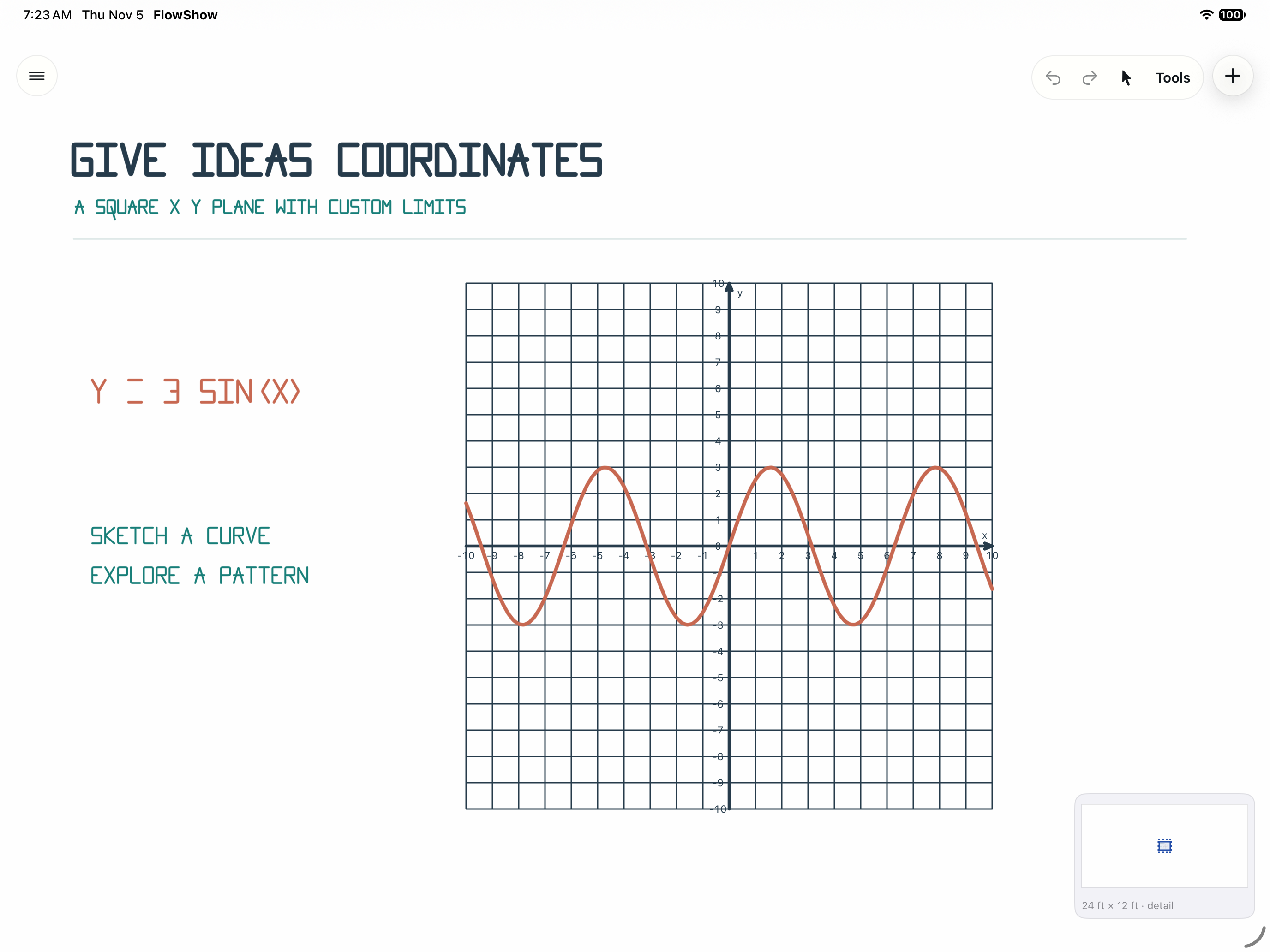
Use a square coordinate plane for a drawn explanation. The illustrated curve is not a live calculator plot.
Explore the tools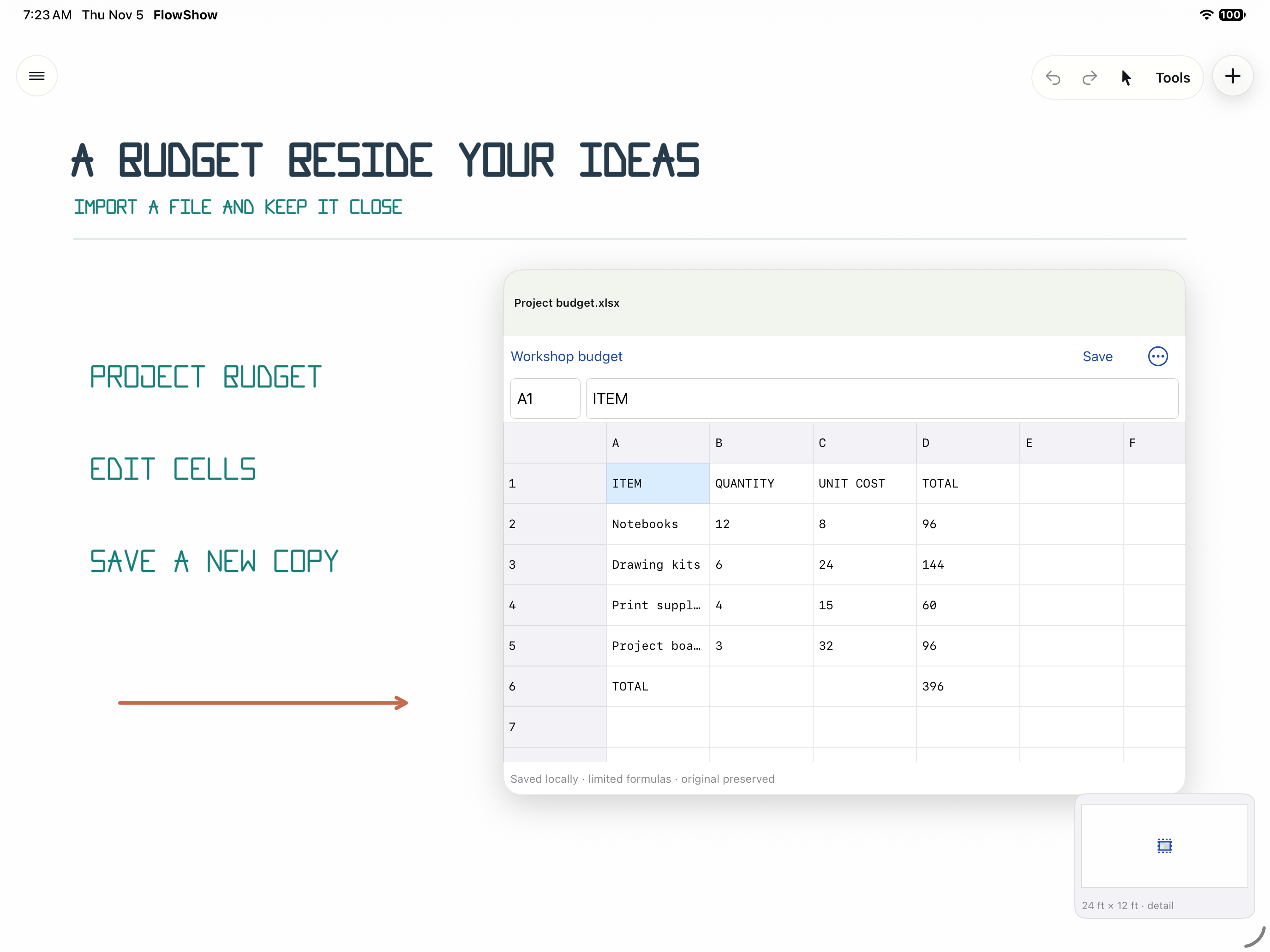
Edit supported cells in a real XLSX file card and keep the budget beside the project it describes.
Follow the walkthrough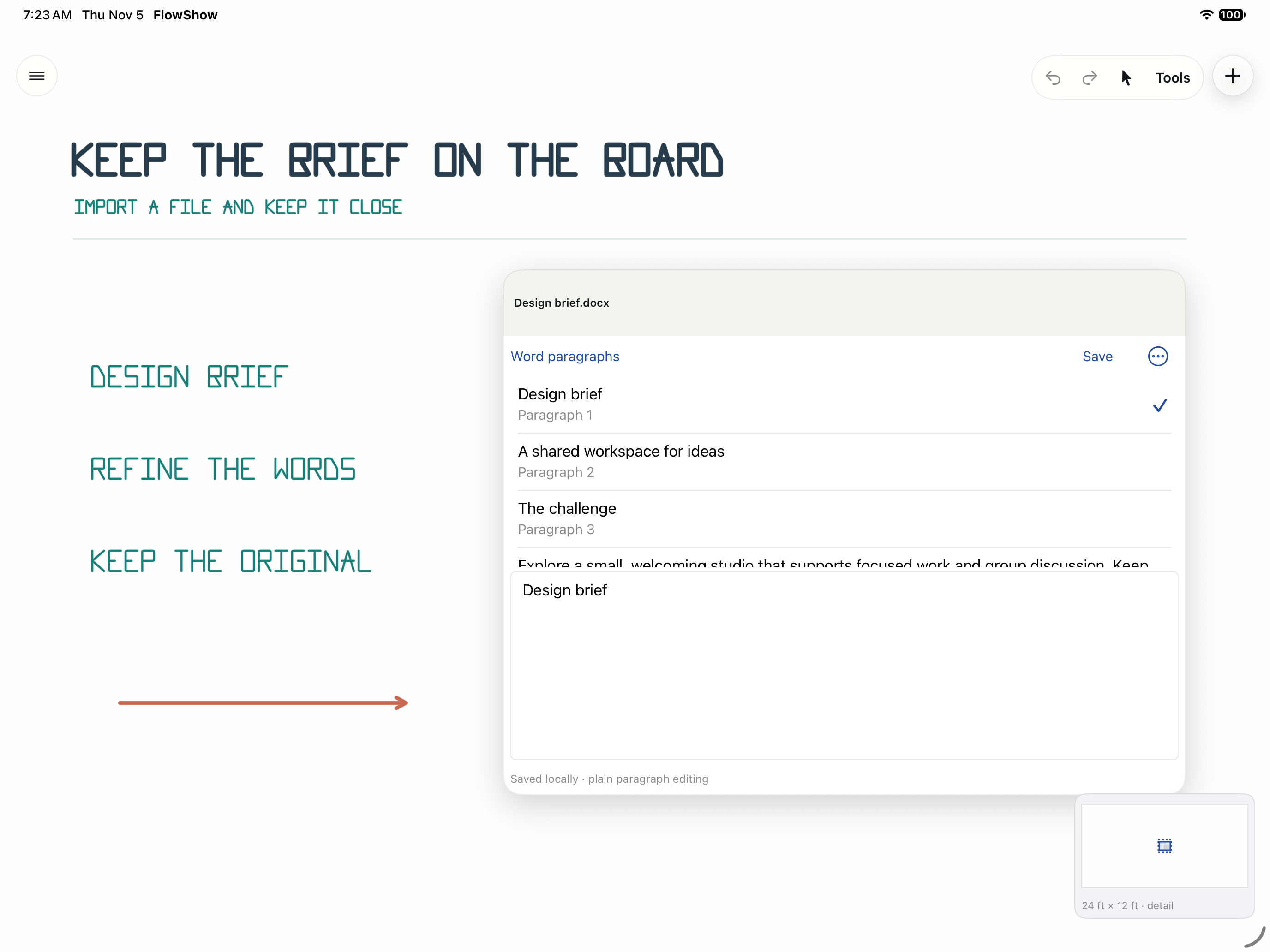
Revise supported plain DOCX paragraphs while keeping the brief beside your handwritten design notes.
Explore the tools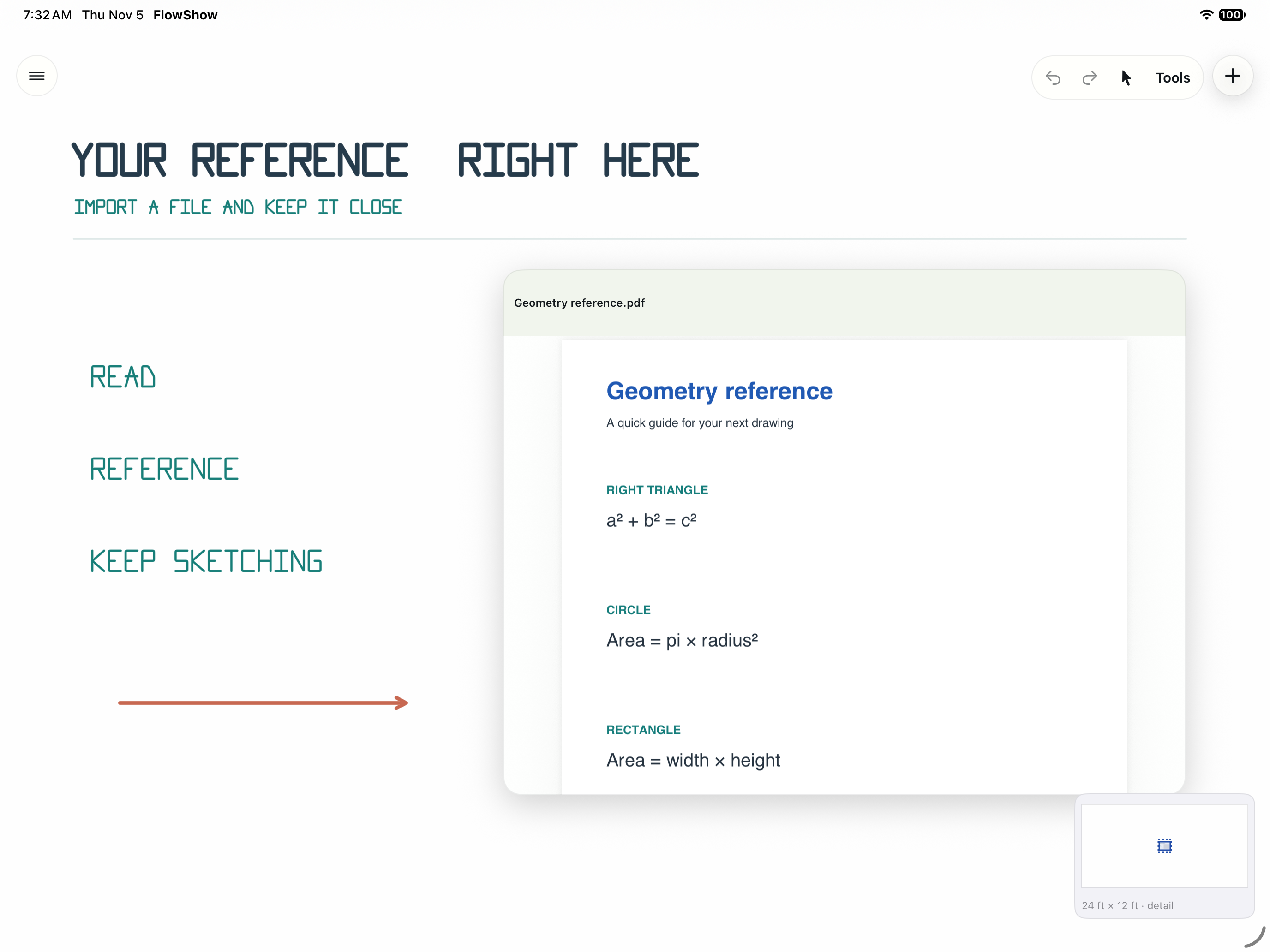
Read a geometry PDF beside the working. The pane is a reference preview, not a PDF text editor.
Explore the tools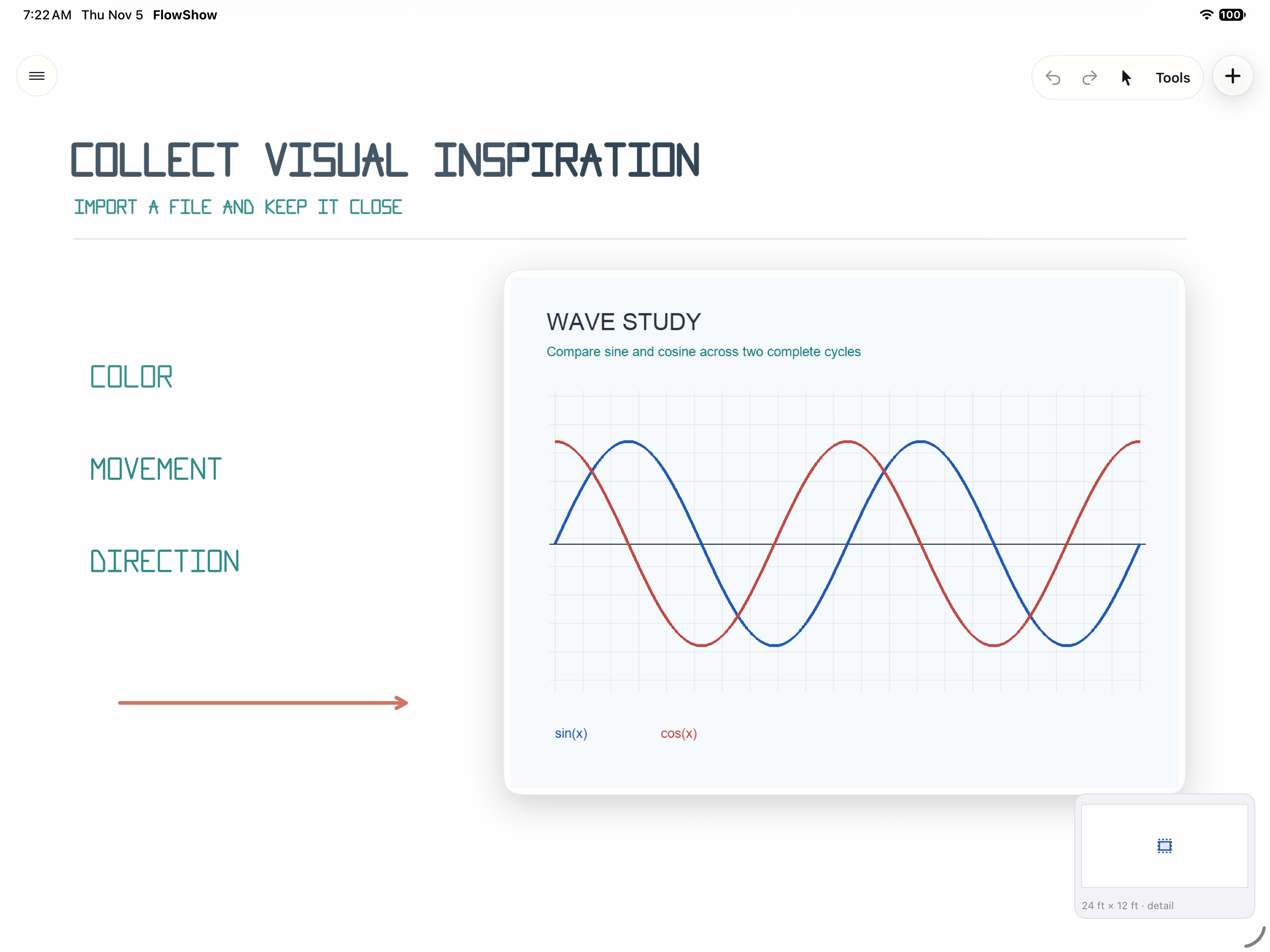
Keep an imported wave-study image near visual notes. Crop, flip and opacity controls belong to image placement.
Explore the tools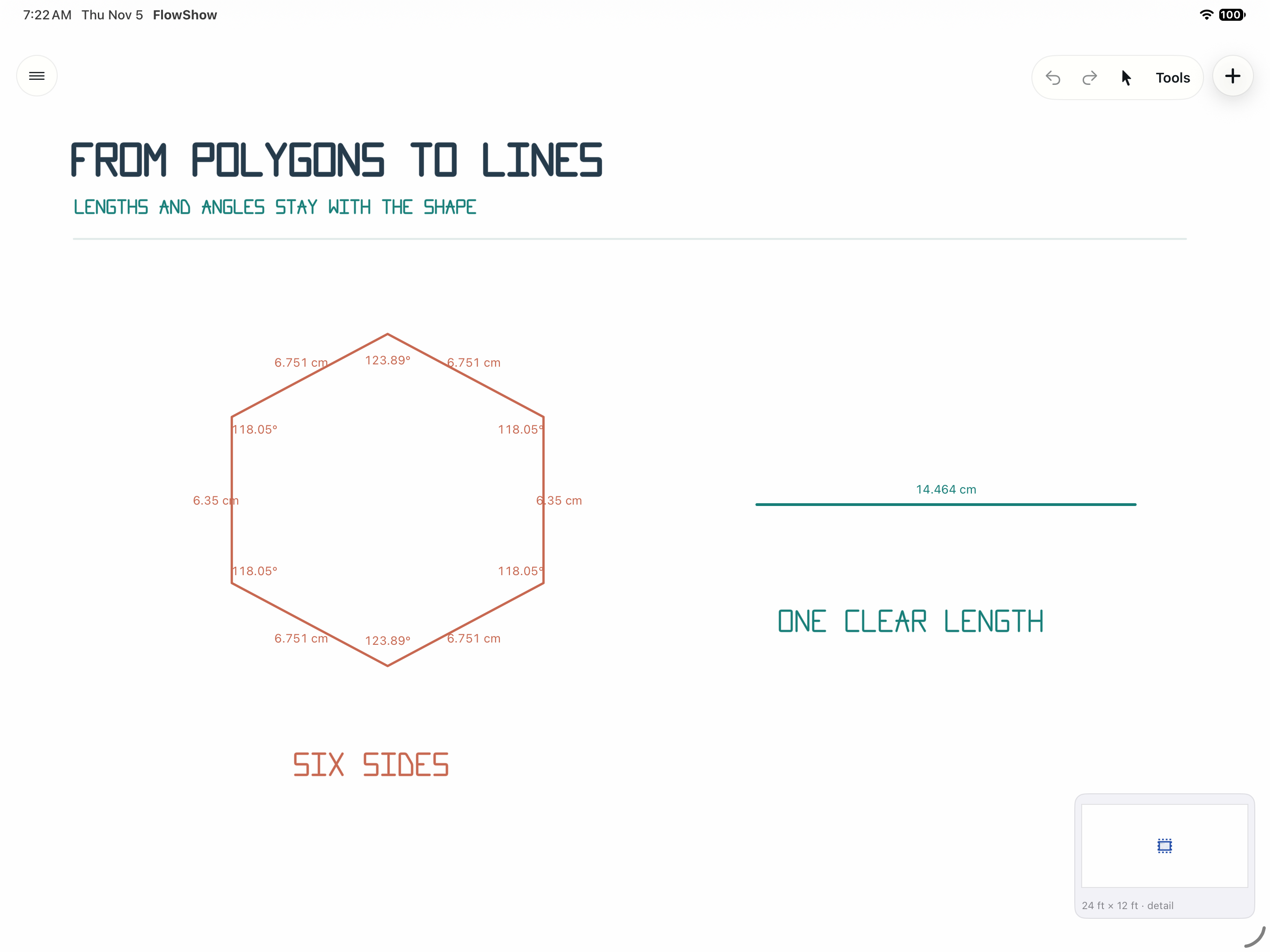
Compare a measured polygon with a measured line, using geometry-derived labels instead of approximate handwriting.
Explore the tools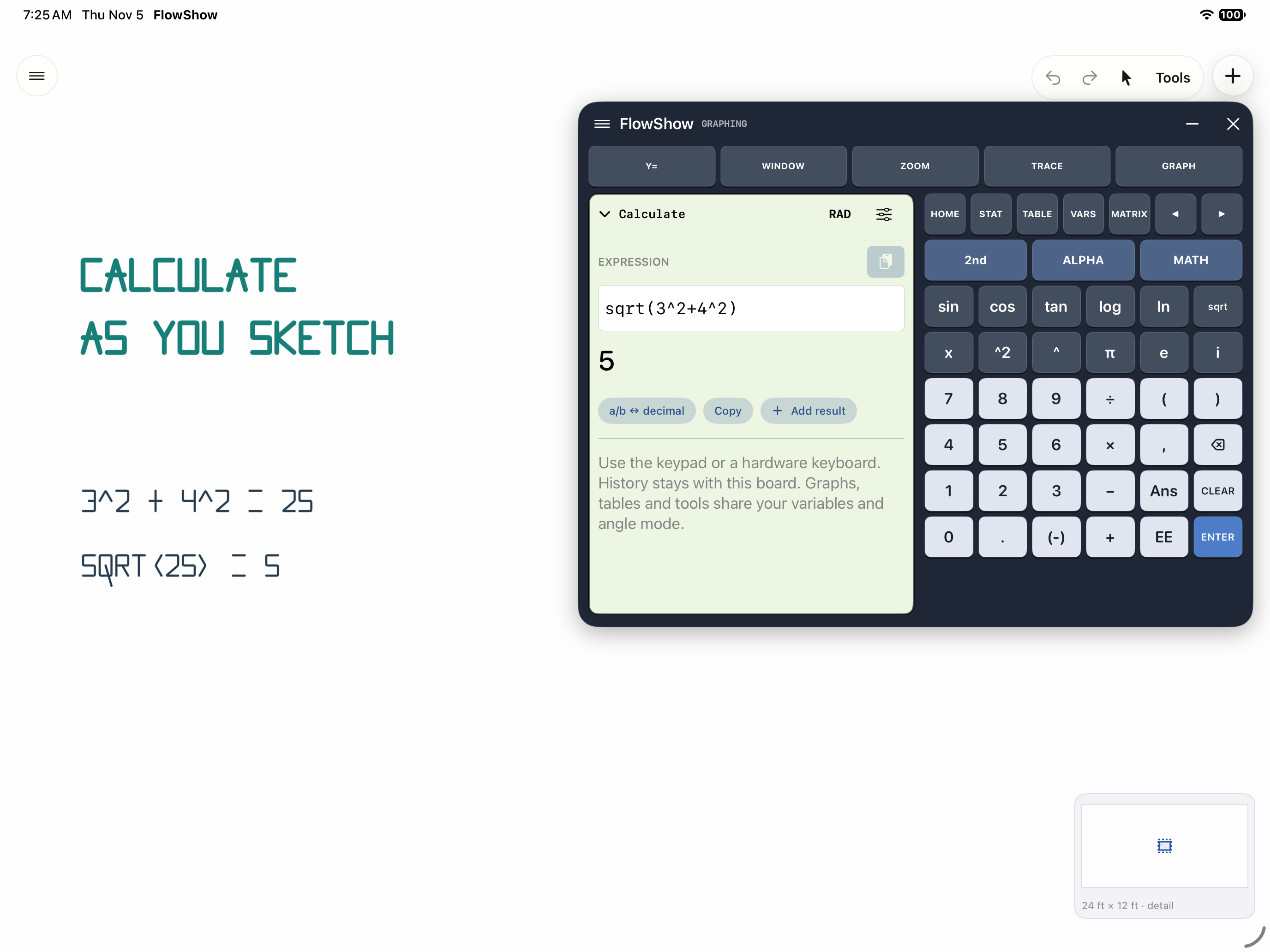
Calculate a short expression while the handwritten working remains visible beside the movable panel.
Explore the tools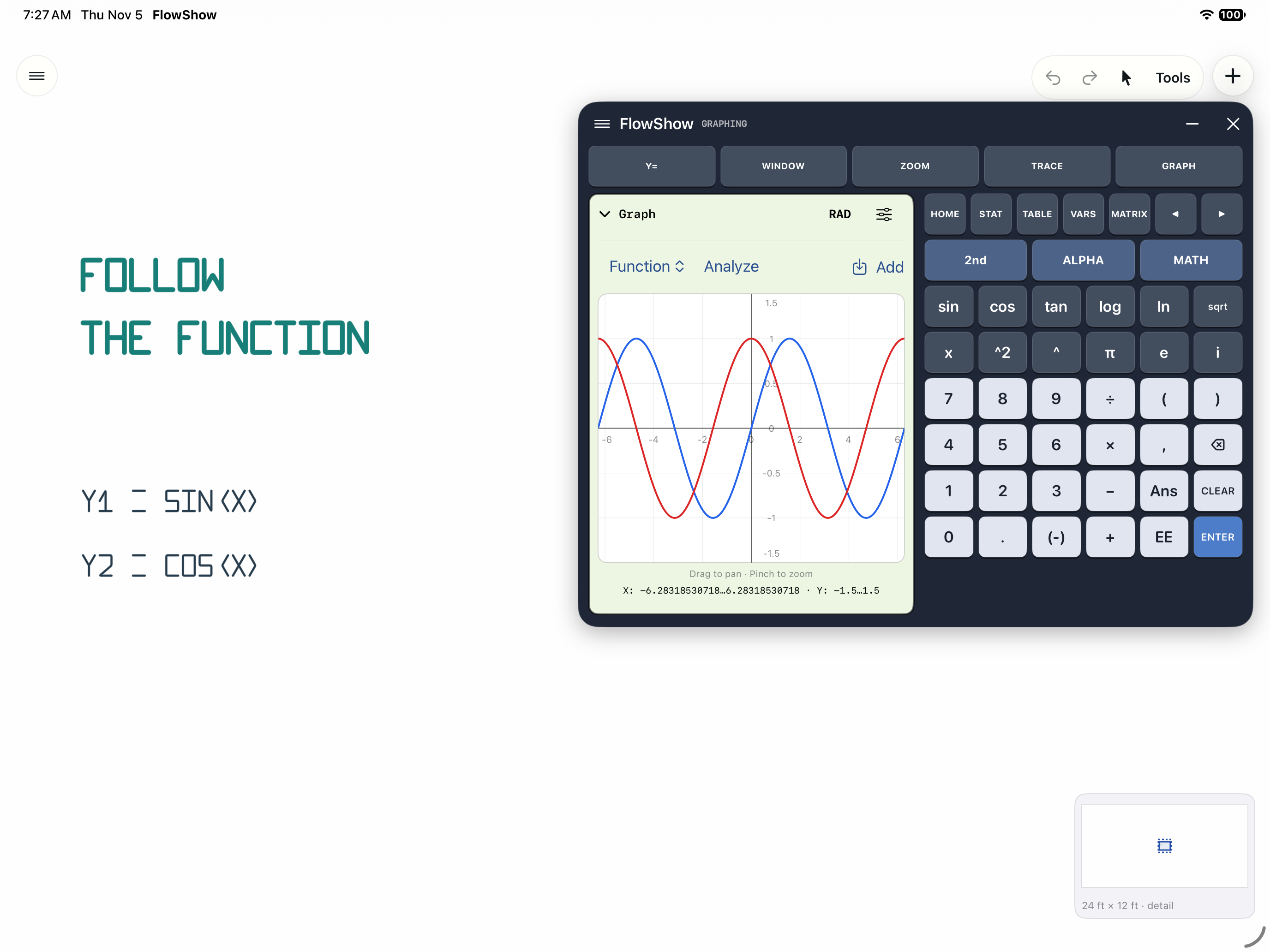
Plot sine and cosine inside the calculator, with the function names and explanation on the surrounding board.
Follow the walkthrough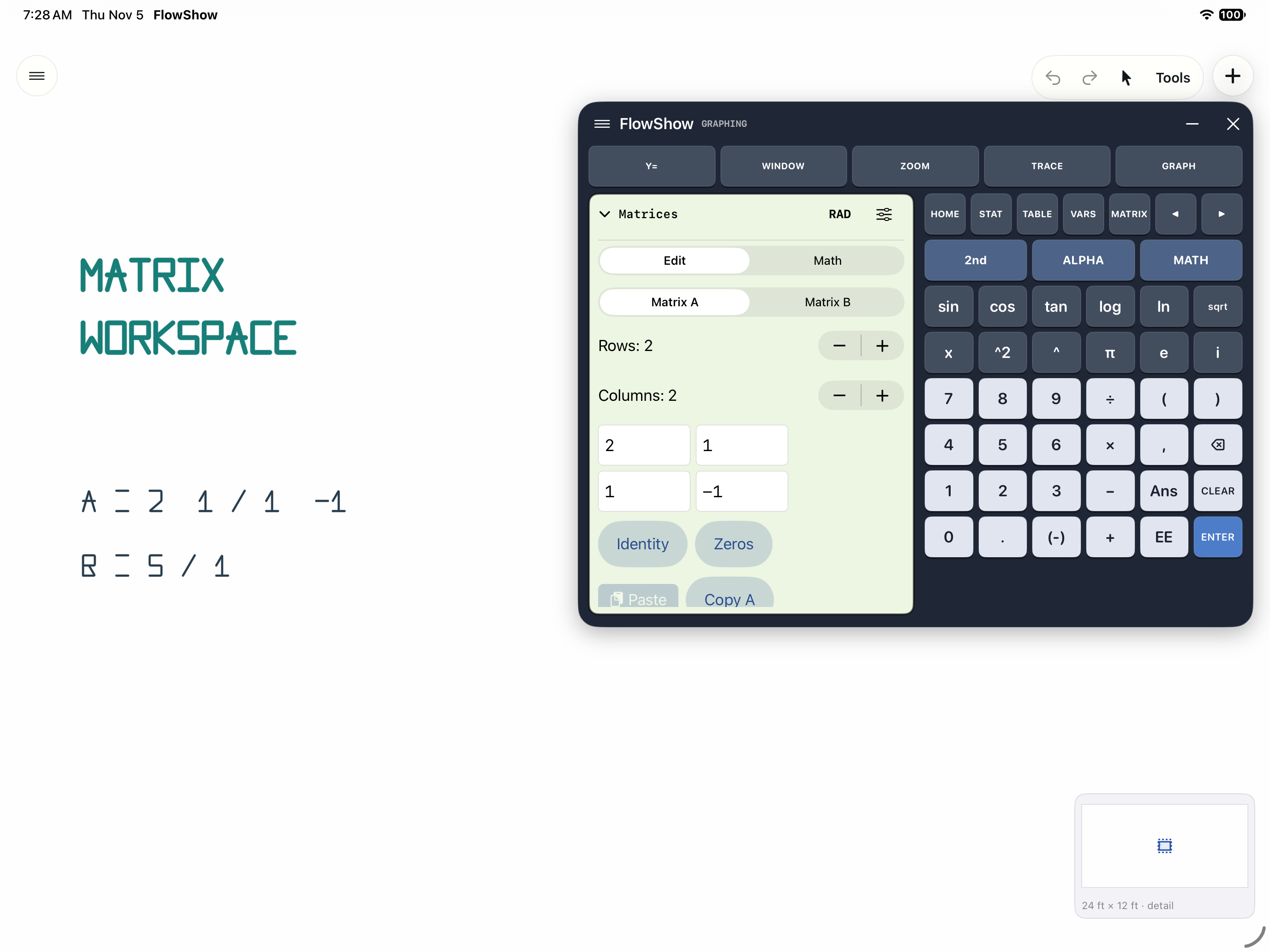
Enter the real A and B matrices before solving a system. The board keeps the original values in view.
Explore the tools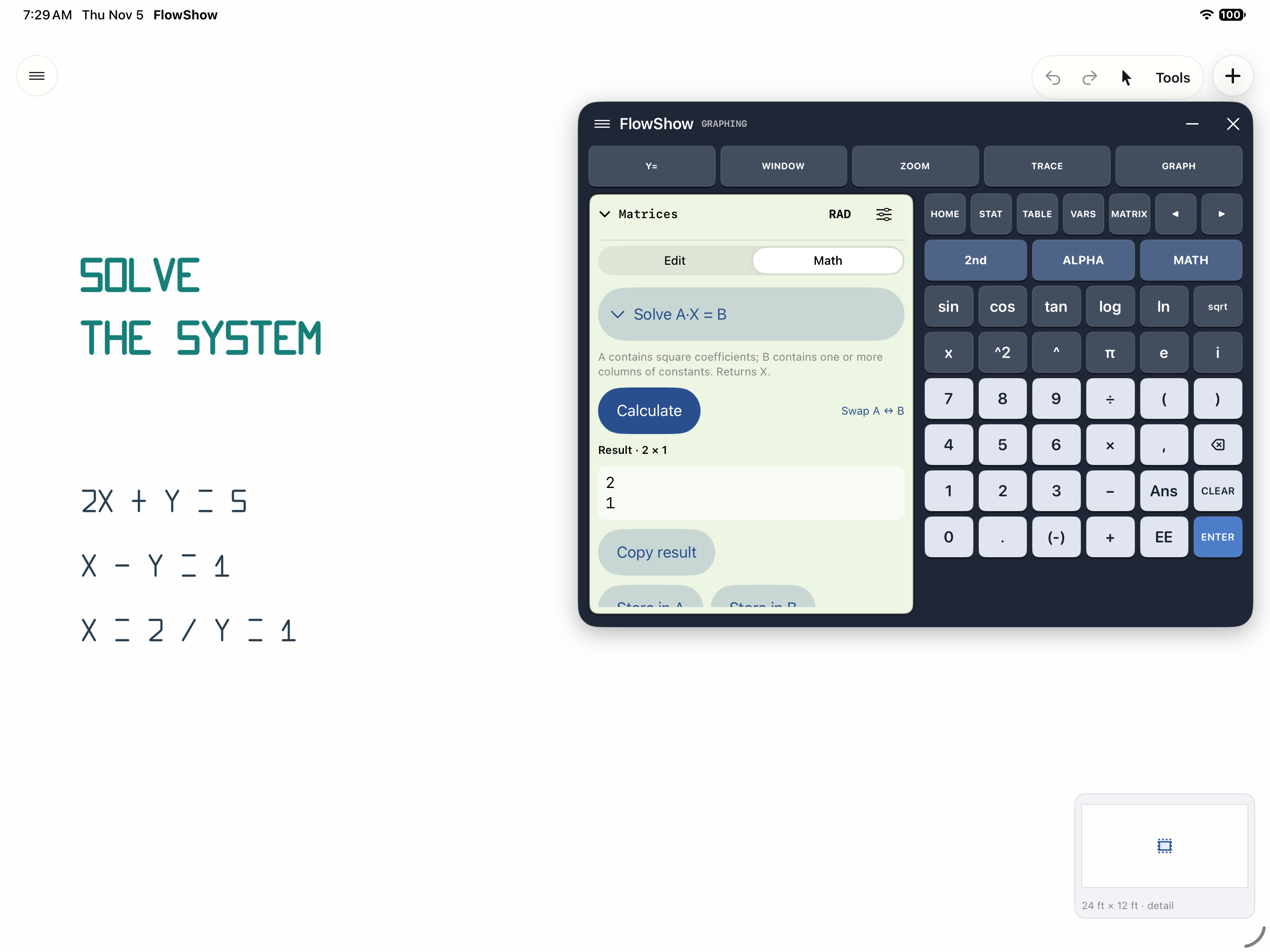
Check a numerical system solution by substitution into the equations written beside the result.
Explore the tools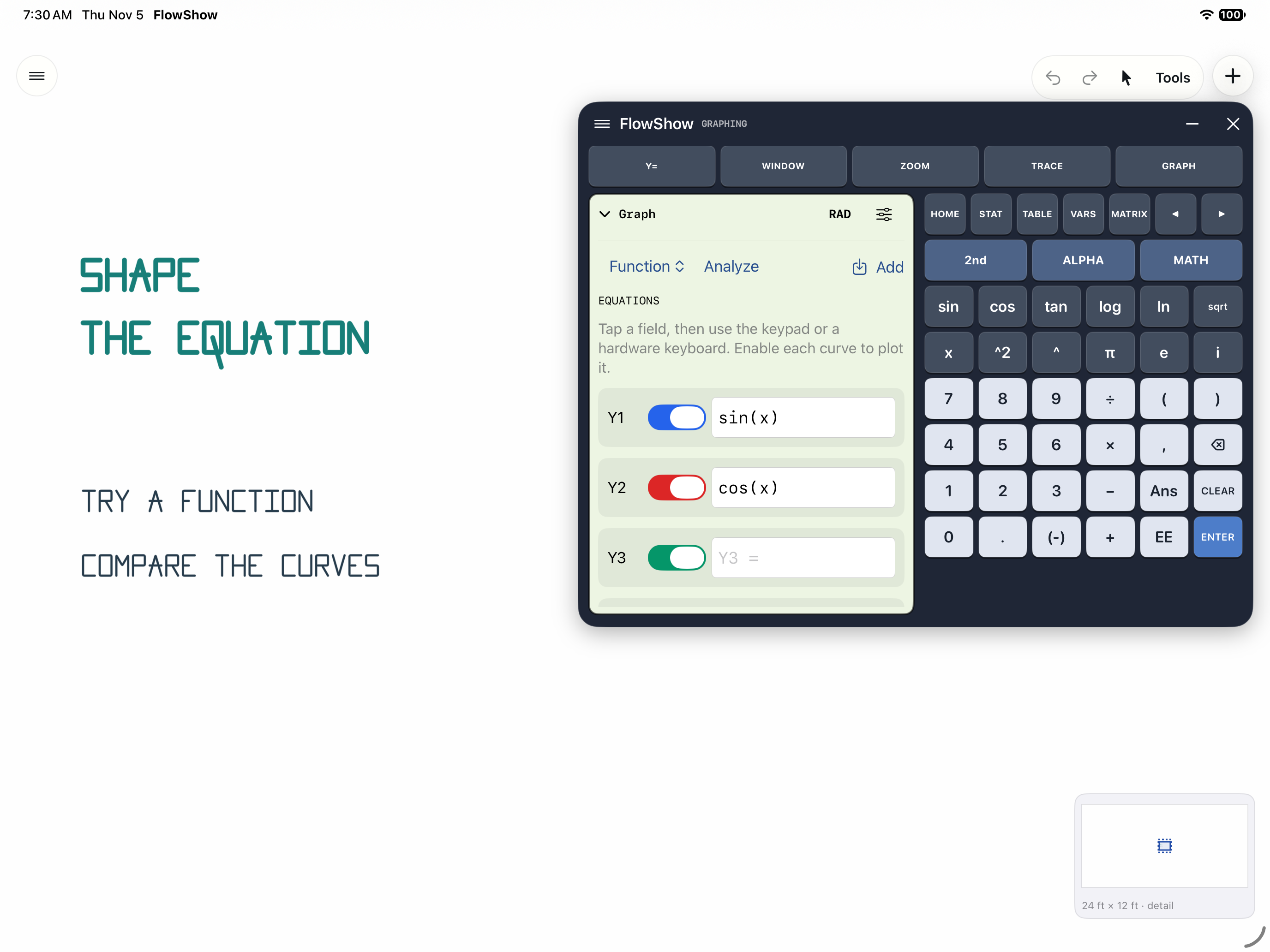
Define saved functions before plotting them. Y1 and Y2 contain sine and cosine in this example.
Explore the tools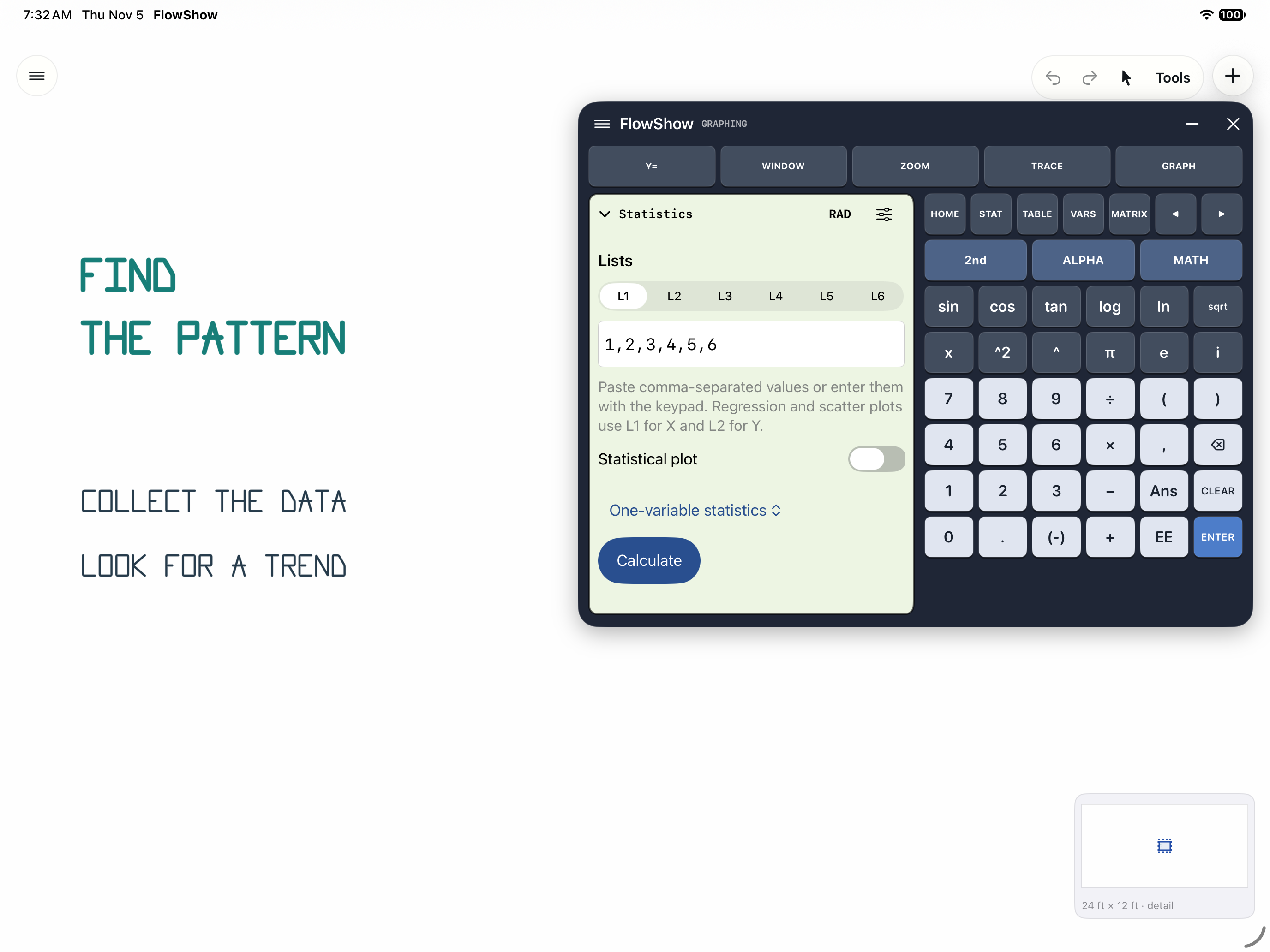
Enter a small list of observations, then choose an analysis rather than treating every dataset as a graph.
Explore the tools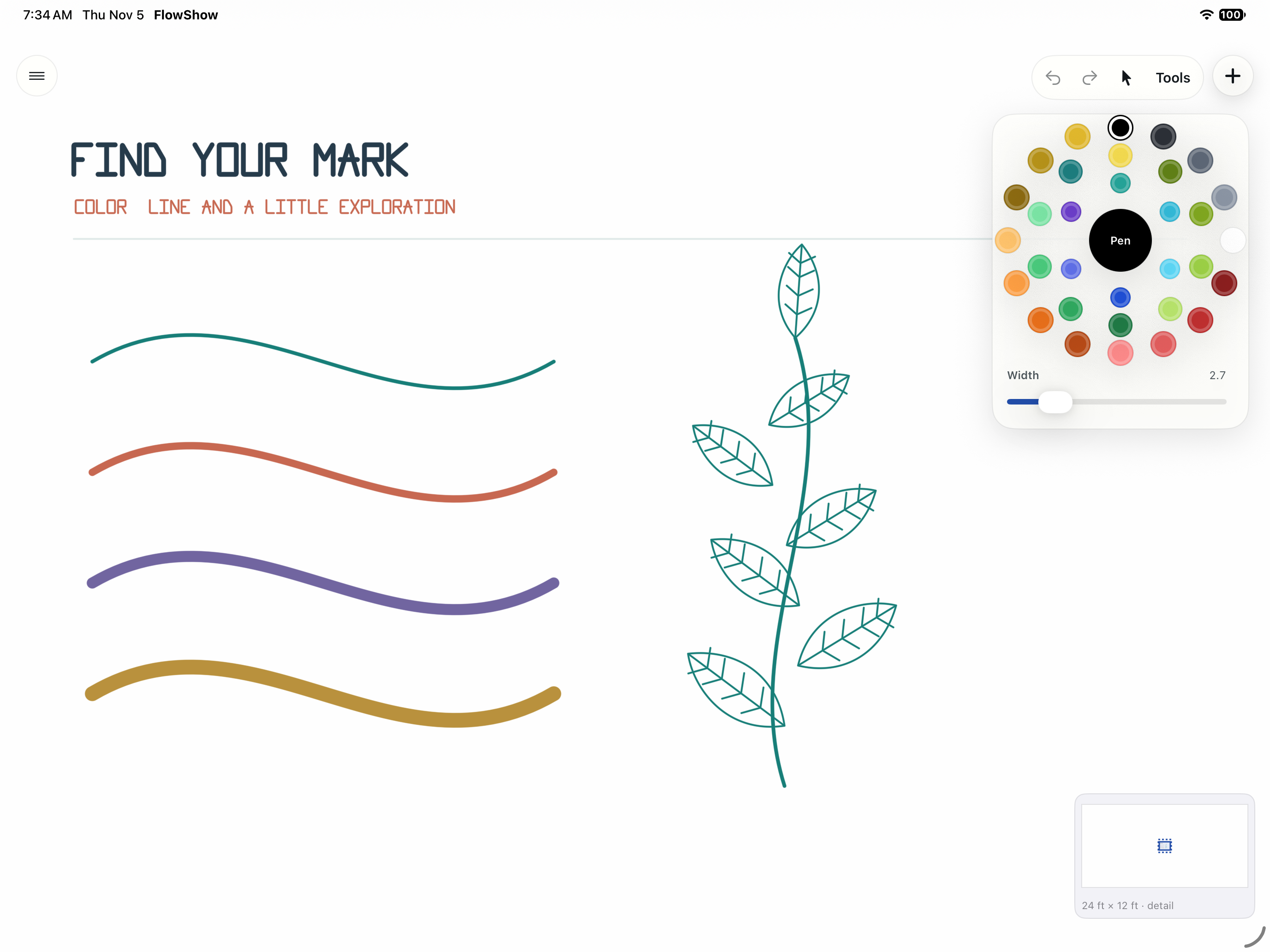
Compare native ink widths and colors beside a botanical drawing before settling on a small working palette.
Explore the tools