 FlowShow
 can hold rough thinking and more deliberate drawing on the same board. Use the drawing media for marks, editable shapes for structure and imported images for reference. You do not need to turn every creative project into a technical diagram.
Build a storyboard
Draw a small set of frames and give each one a job in the sequence. Keep the composition simple enough that the story reads before anyone studies the detail. Put notes beside the frames rather than covering the drawings.
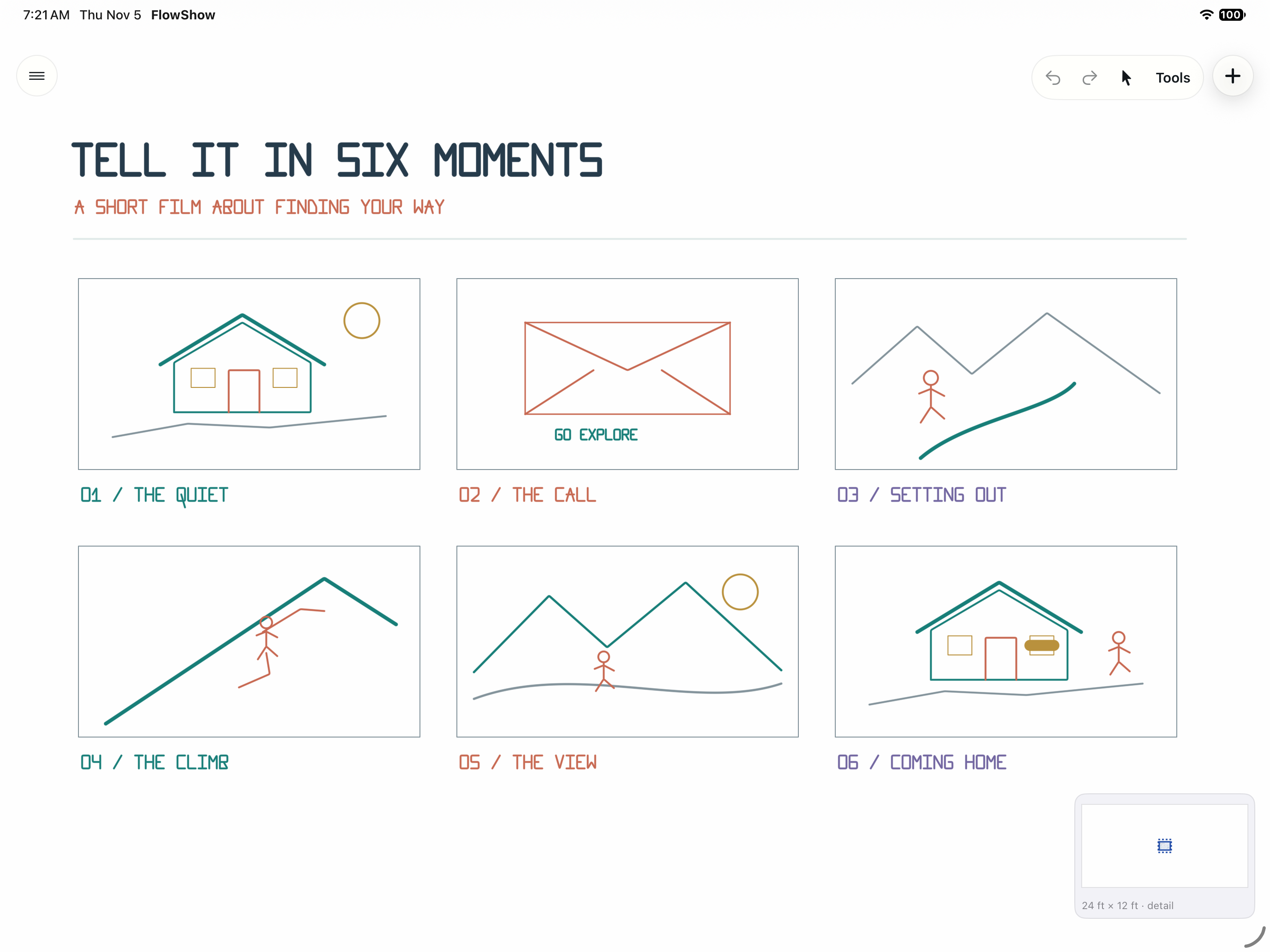
The storyboard shown here was created manually in FlowShow. It is not an animation tool, a timeline editor or a promise of built-in storyboard templates. Export it as a visual board when you want to share the sequence.
Keep references nearby
Import a photograph, illustration or diagram through the supported image workflow. Crop non-destructively to the part you need and place the reference beside the drawing area. The original imported bytes remain preserved with the board assets.
If the reference contains information you do not want to share, inspect the export format carefully. An editable board can include original assets beyond a cropped visible region. Use a visual export when the intention is to share the flattened composition.
Work from broad structure to detail
Begin with a few broad lines and shapes. Zoom out to review the whole composition, then return to detail. The minimap makes it easier to move between a reference region and a draft without losing the arrangement.
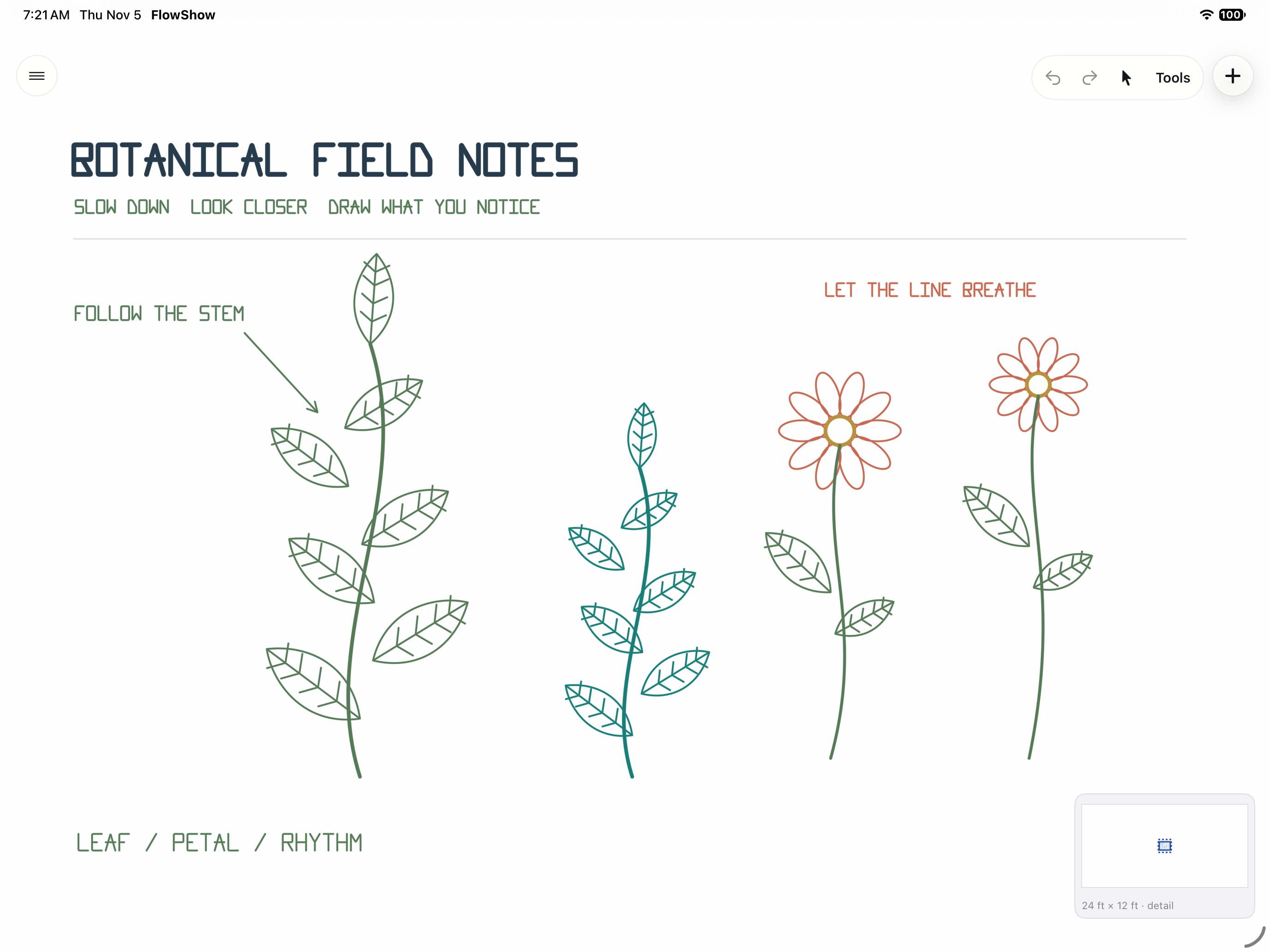
A botanical study can separate stems, leaves and flowers into nearby observations. A landscape can use several line weights and colors to distinguish planes. These are drawing choices, not automatic brushes or generated scenes beyond the documented tools.
Product sketches and dimensions
For a product concept, combine Pencil ink with measured lines or shapes where a relationship needs to be explicit. Label the parts you want to discuss. The numerical tools help communicate an idea without requiring the whole board to become a CAD document.
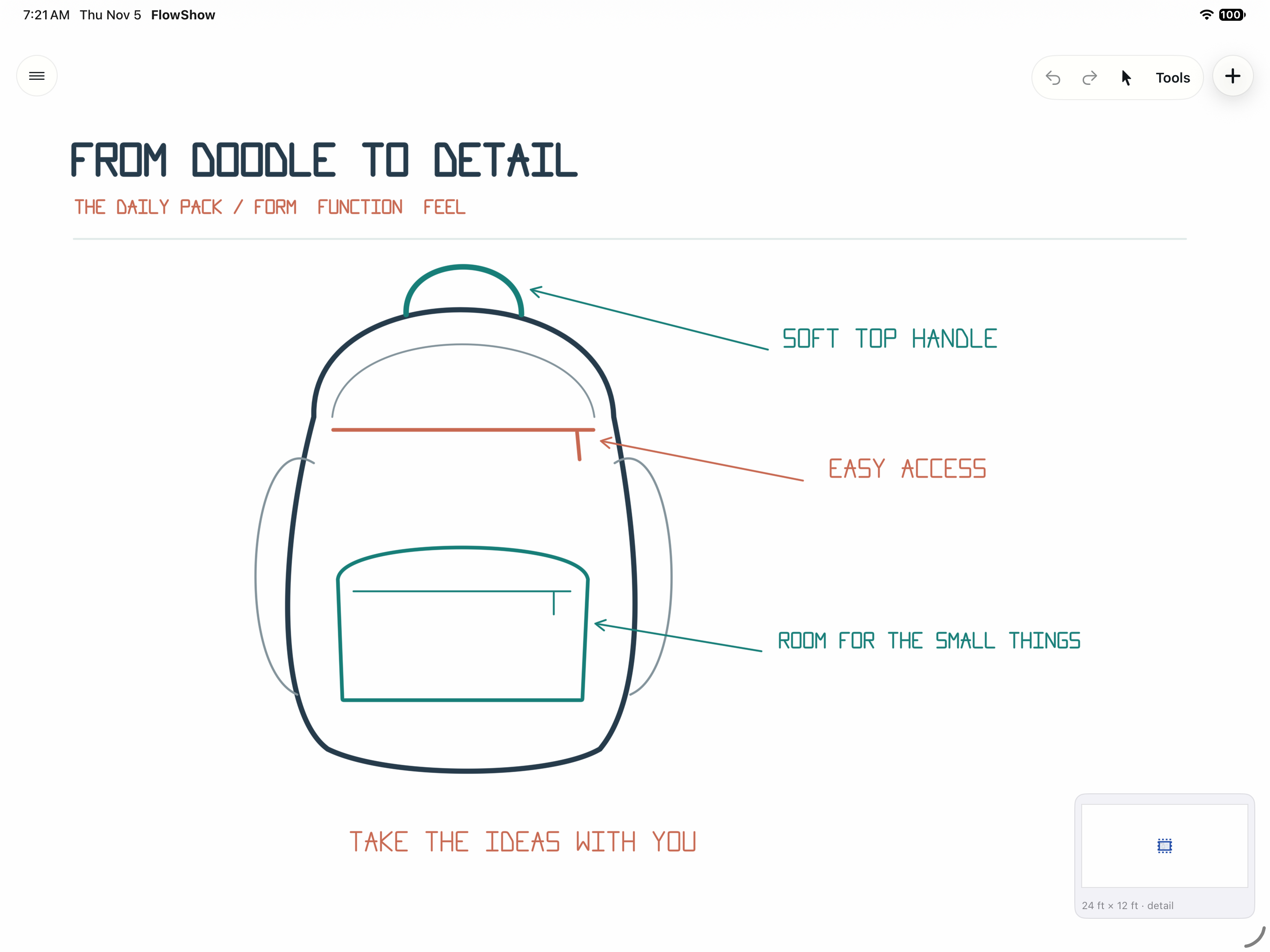
A measurement on a concept board is not manufacturing certification. Use the required design and engineering tools for production tolerances, material specifications and formal drawings.
Explore a visual identity
Arrange lettering, rough marks, color studies and references in separate regions. Duplicate editable objects when you want to compare alternatives. Keep rejected directions nearby only while they help the decision; a board does not need to become an archive of every stroke.
FlowShow's native ink remains above object layers. Do not expect named illustration layers or arbitrary ordering of every stroke around every object. Plan the arrangement with those boundaries in mind.
Lettering and line quality
Choose an ink medium and width, make a few trial strokes and inspect them at the intended output size. A stroke that looks precise at a close zoom can be too fine in a whole-board export.
Use the color and width controls deliberately instead of filling the page with decorative variation. The Apple Pencil chapter covers the six media, erasing and the distinction between ink and objects.
Share the right artifact
PNG is useful for a finished visual composition. SVG is another visual format, not a guarantee that all native ink and embedded content become independently editable vector objects in every receiving application. Editable JSON is the native route for continued FlowShow work.
Keep the editable original before preparing a flattened presentation. Review the exported file at its real size, especially when a large board contains small labels or fine linework.
Two complete creative workflows
The six-frame storyboard develops a sequence from quiet beginnings through a journey and home again. The product sketch uses callouts and a nearby brief to develop one object. Both use real FlowShow captures; neither is a built-in template.
Lay out the important objects before detailed ink, and remember that grouping objects does not automatically group native Pencil strokes. Review the whole composition before exporting the close-up details.